UI elementsOctober 13, 20267 min read
Most banner UI guidance is written for websites: the cookie strip, the sale announcement across the top of a store. On a phone the banner has less room and a harder job. It has to earn a slice of a small screen without being mistaken for an ad, and it competes with snackbars, badges and pills that all want the same space.
So we looked at what top-grossing apps actually do. We read every free preview screen of the 30 highest-grossing apps in the library, 159 screens. 7 apps show a banner that sits in the layout, 5 show a short-lived snackbar or toast, and 4 put an upgrade pill in the header instead. Every number below traces to one of those screens, and every app named has its full flows in the library.
For this count, a banner is a message that sits inside the layout, stays until something changes, and is not the content itself. A full-width strip counts, and so does a card that carries a message and an action rather than an item of content. A dialog does not count, since it blocks the screen; our iOS dialogs post covers those. Neither does a message that appears for a few seconds and leaves, which is a snackbar or a toast and gets its own section below.
The 9 banner screens from 7 apps split cleanly by what the banner is for.
| Job | Apps |
|---|---|
| Sell an upgrade (2) | The New York Times, Duolingo |
| Nudge a next step (2) | MyFitnessPal, Strava |
| Explain the screen (3) | Cleanup, Cleaner Guru, AllTrails |
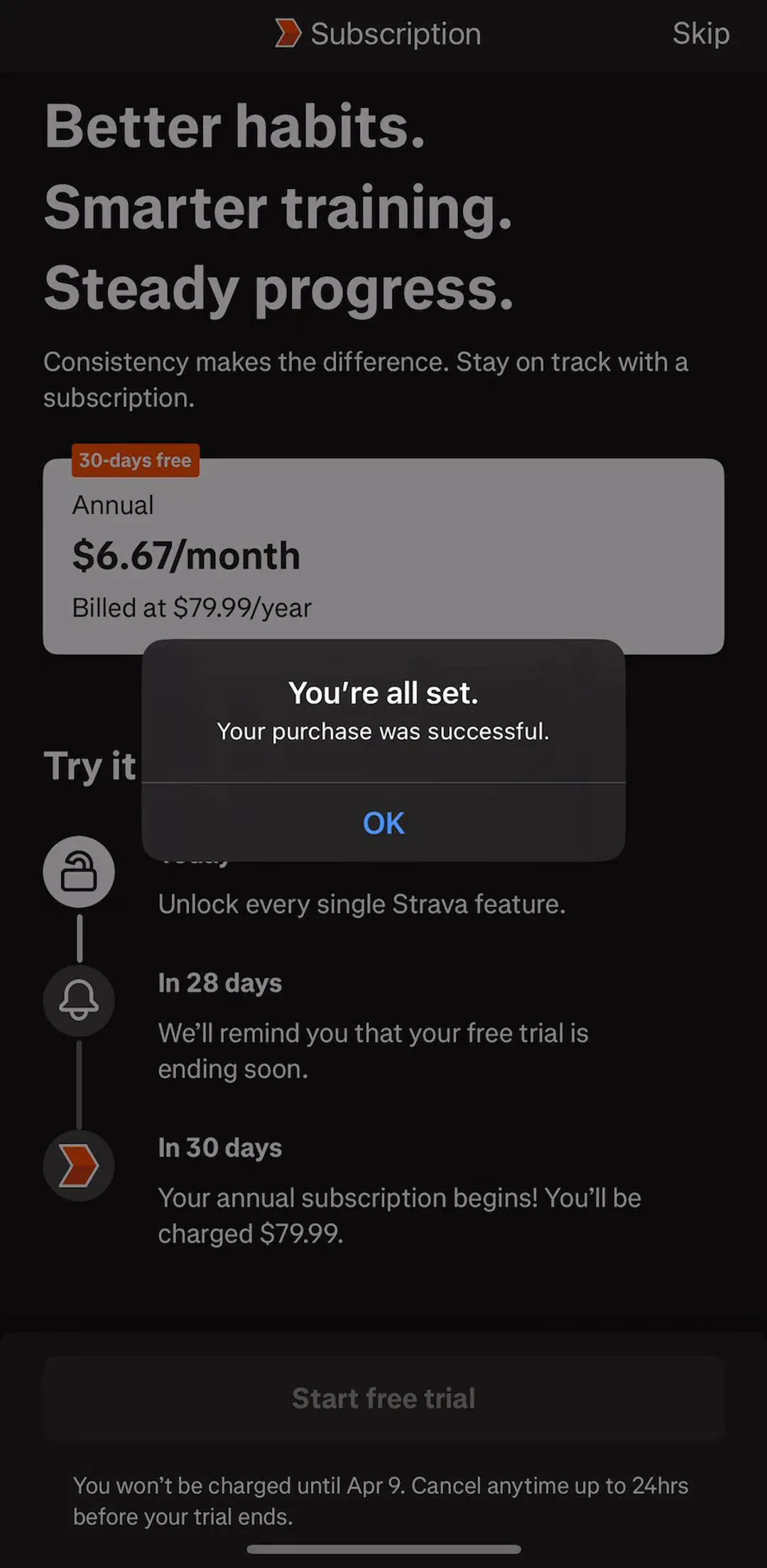
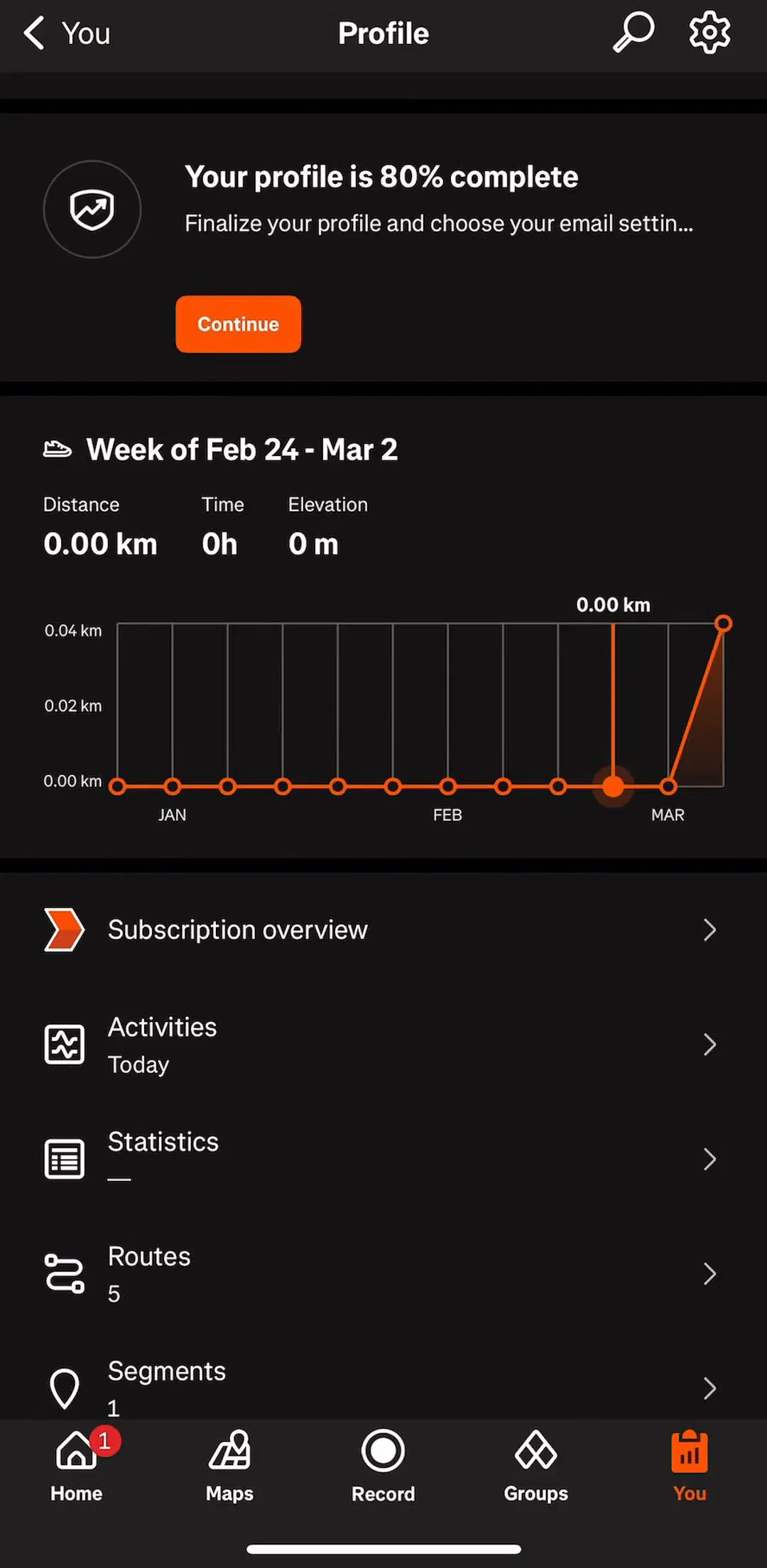
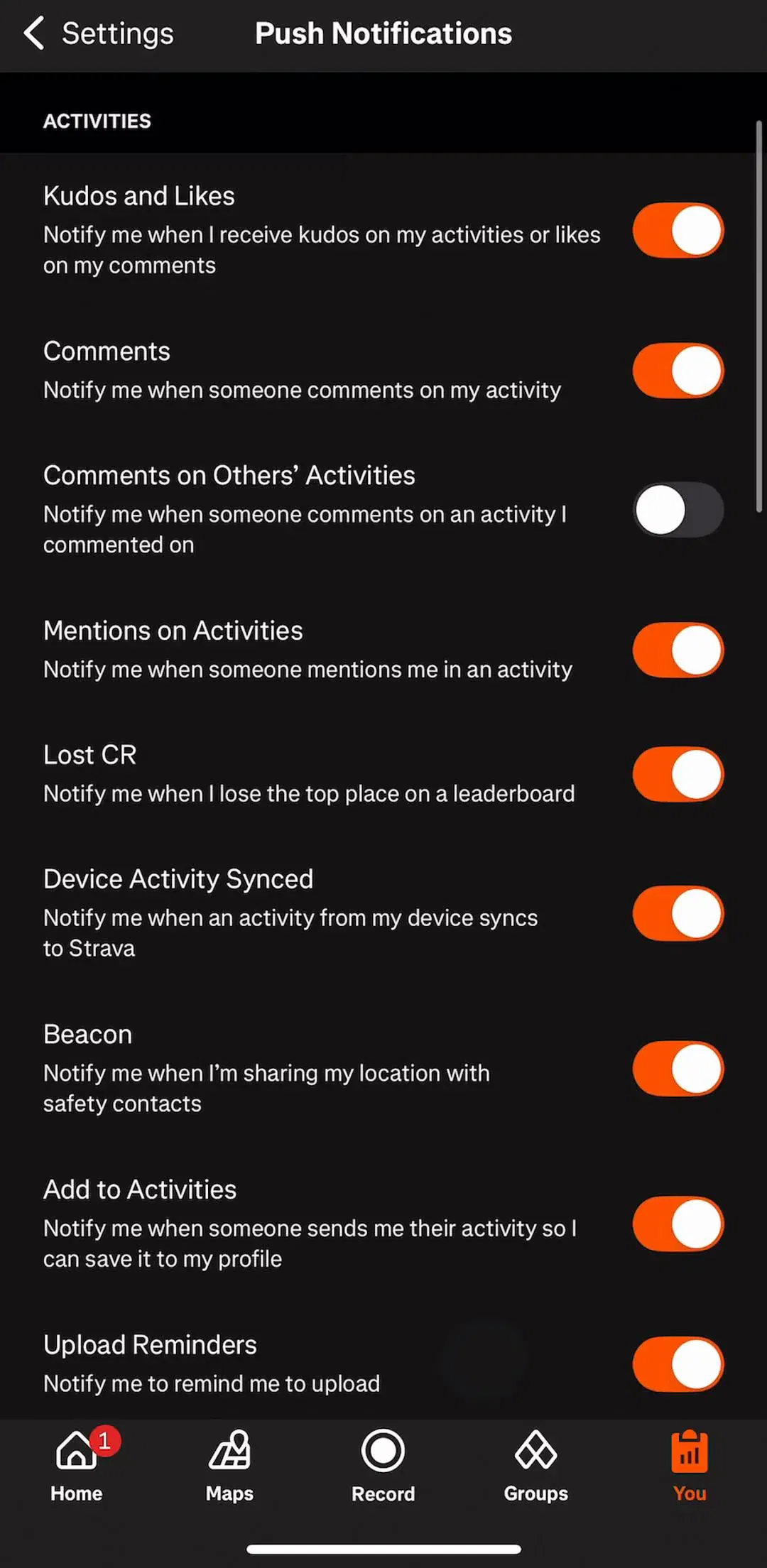
The useful finding is how narrow each banner is. Every one carries a single message, and none shares the screen with a second banner. Strava (est. $16M/mo) is a clean example of the nudge: a card at the top of the profile that says Your profile is 80% complete, with one orange Continue button. The strip shows that profile screen and the notification settings from the same flow.
The New York Times (est. $6M/mo) runs the most persistent banner in the sample: a plain strip reading Subscribe to The New York Times with a chevron, pinned to the bottom of the screen. It appeared on two different screens in our sample, a recipe and an empty saved list, in the same place and the same words each time.
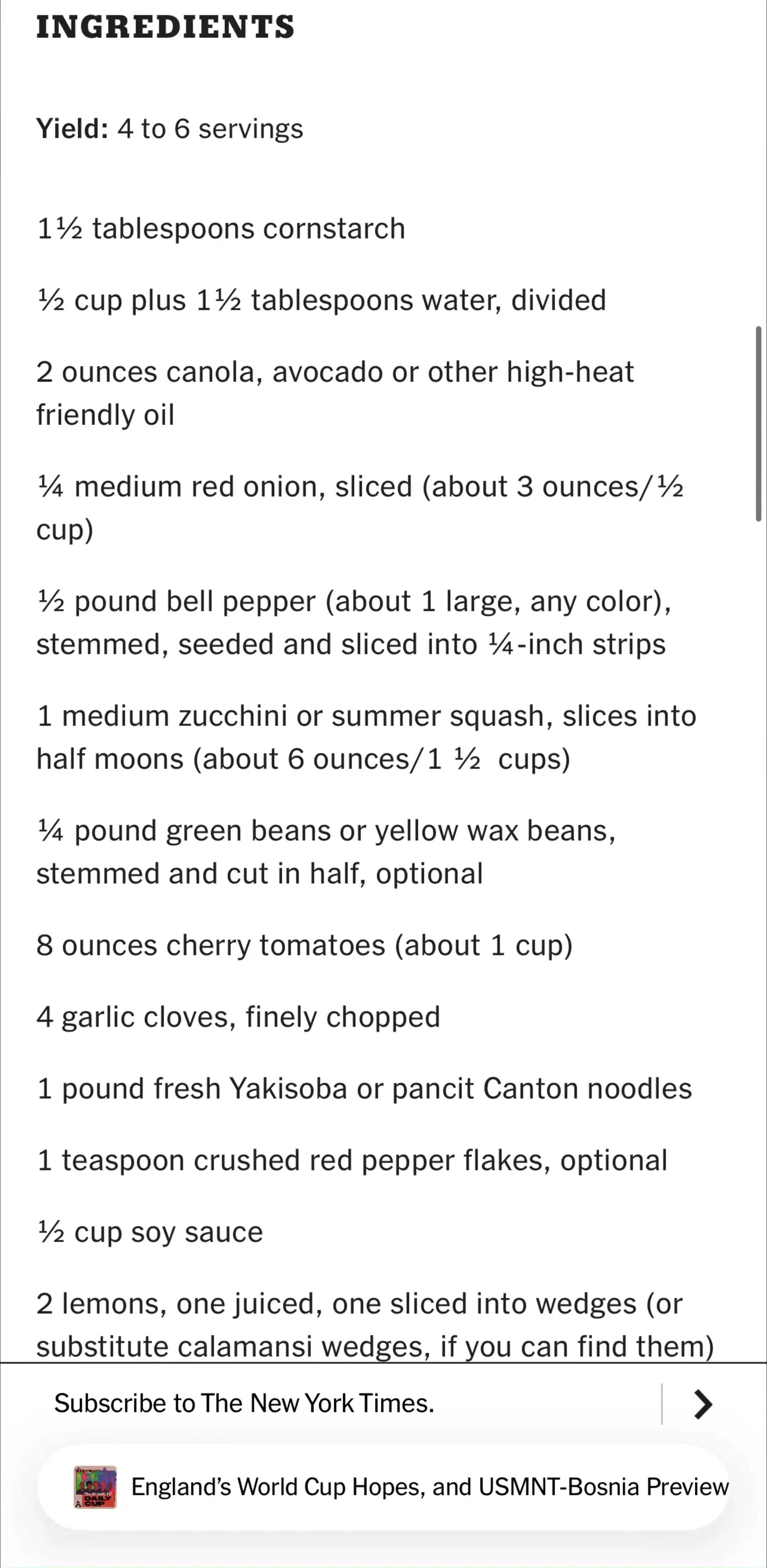
It works because it is quiet. It uses the body type and a thin divider rather than a colour block, so it reads as part of the app rather than an ad dropped into it, and it never covers the content. Duolingo (est. $48M/mo) takes the opposite approach inside its Super settings: a large card with a mascot, Upgrade to Max for conversation practice and more, and a full-width Learn more button. Loud, but placed on a screen only people who already pay will see, which is exactly the audience for the next tier.
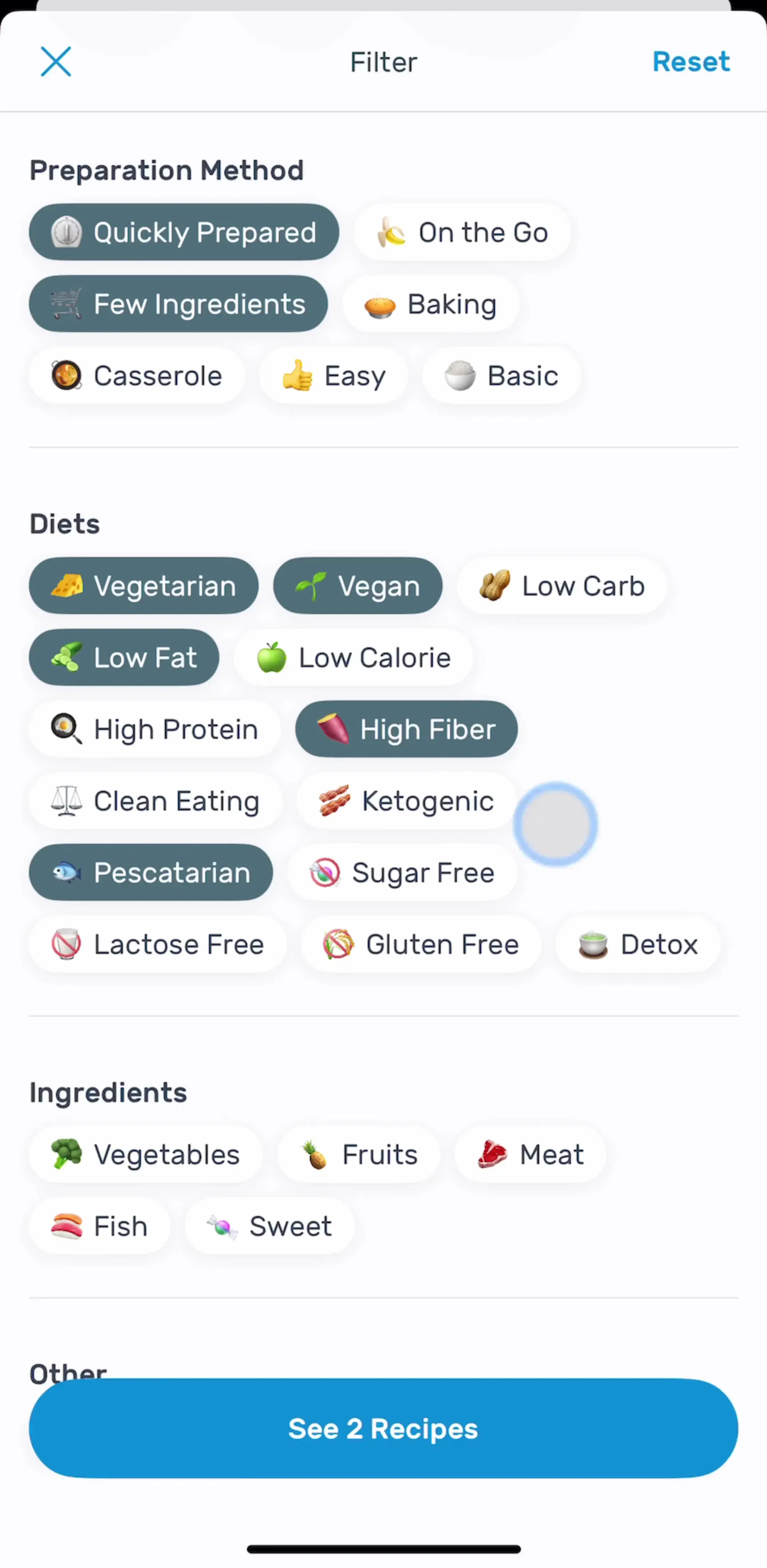
MyFitnessPal (est. $12M/mo) showed two nudges in our sample. On the dashboard, a card marked Beta reads Choose your next habit with a Start a habit button. On the goals screen, a card reads Craving flexibility? Add a daily goal! with an Add Daily Goal button beside a small bar chart. Both sit below the main content rather than above it, so the screen still opens on the numbers people came to check.
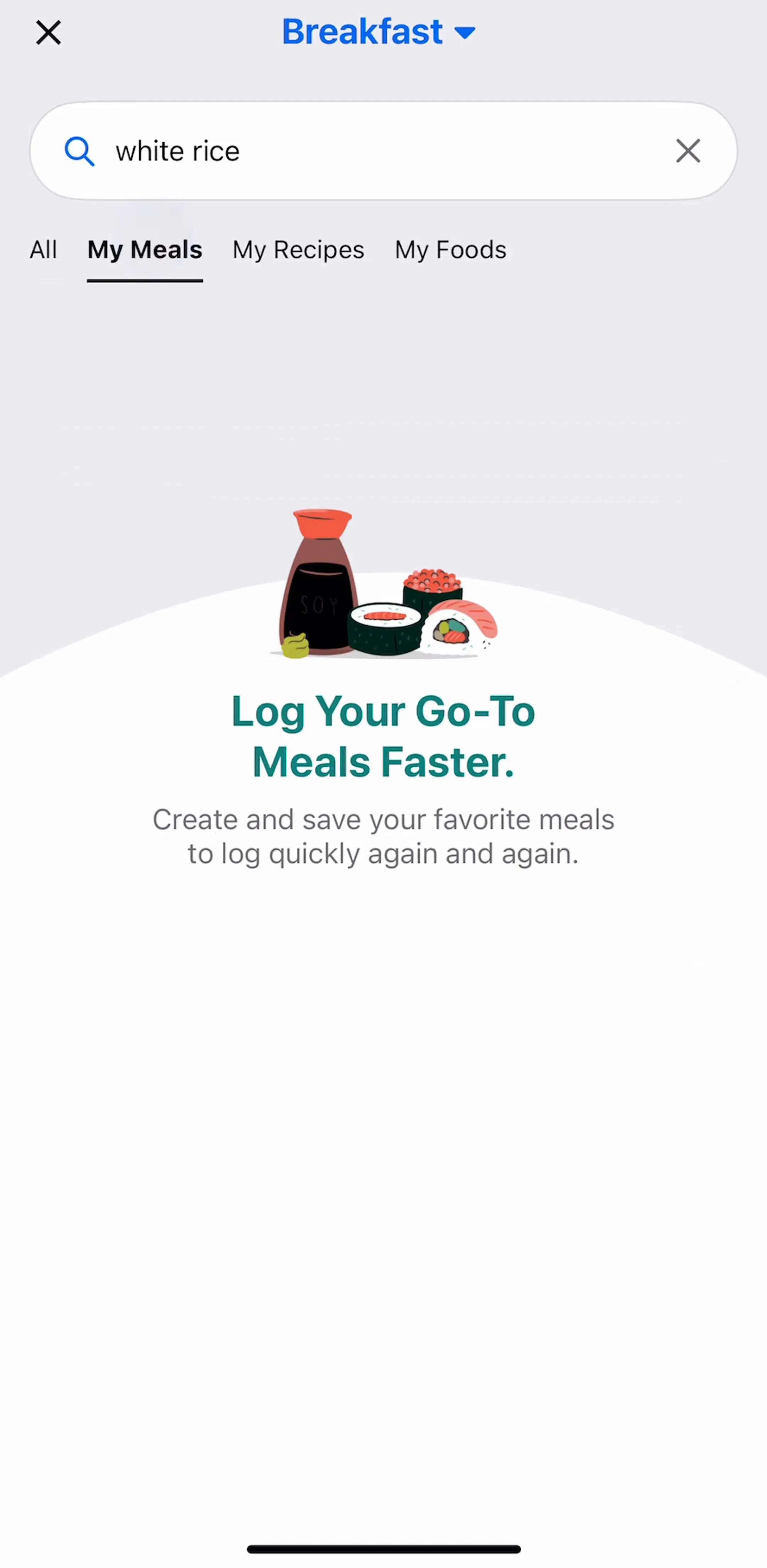
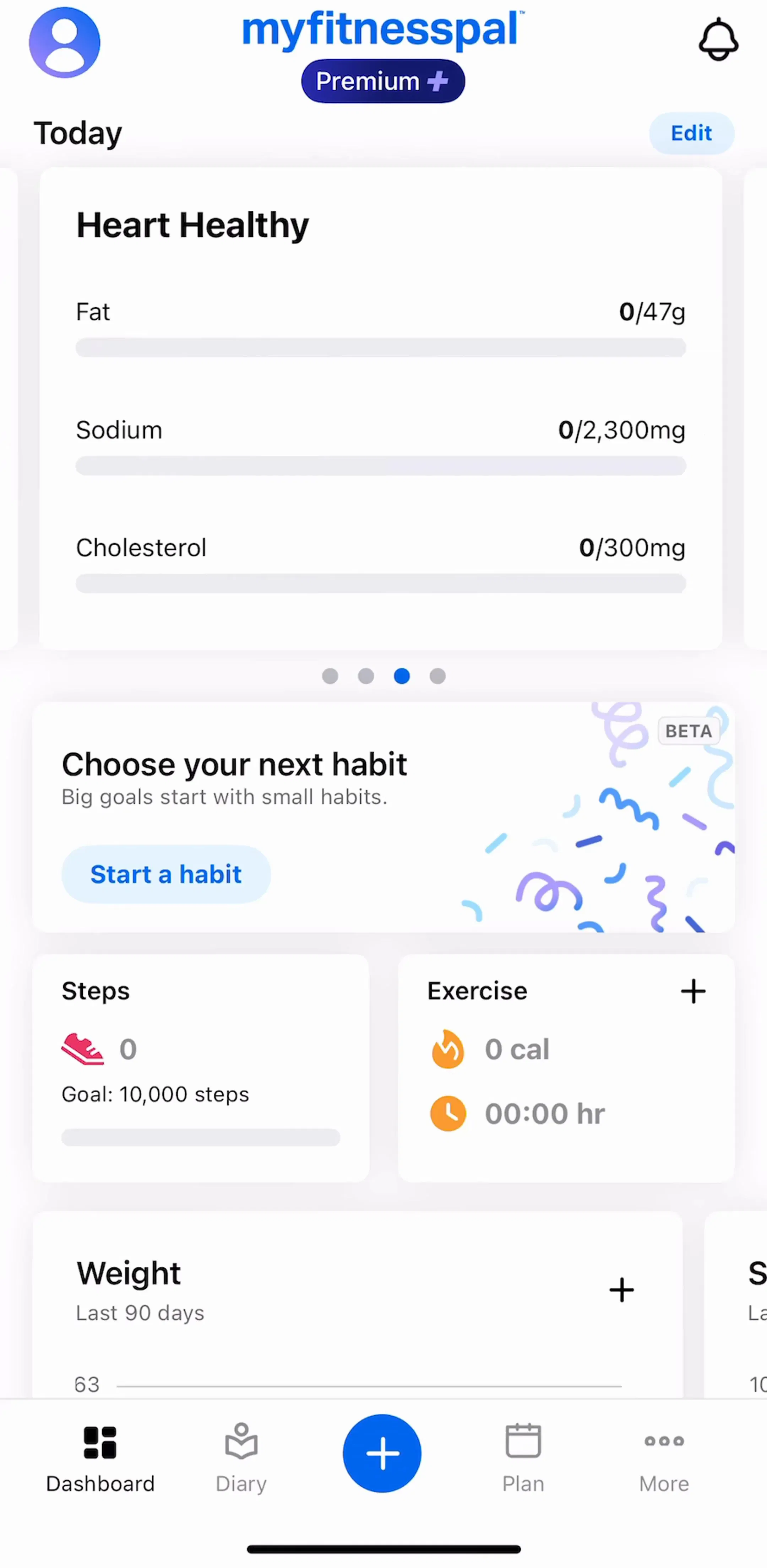
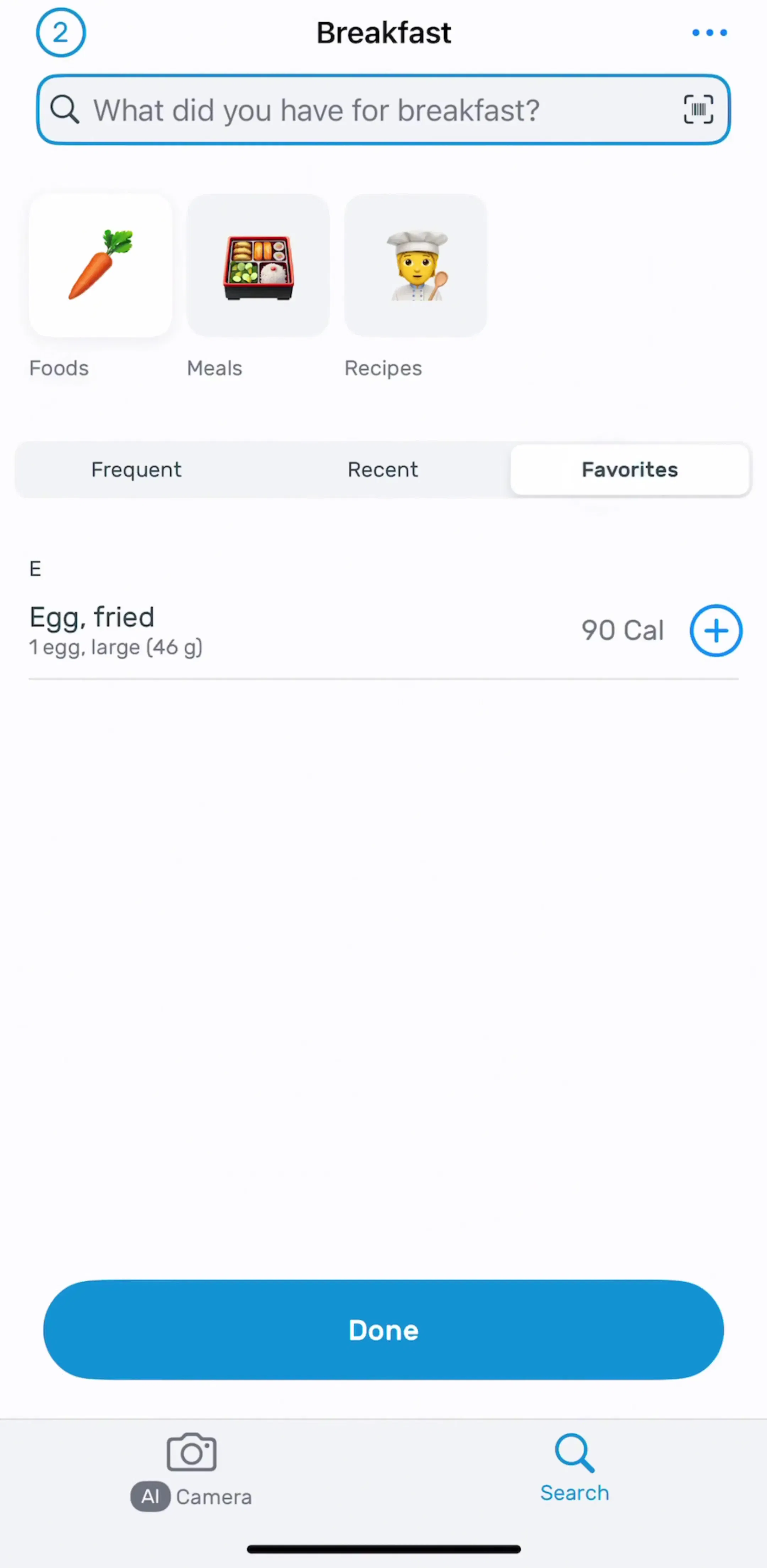
The strip above shows the empty My Meals screen from the logging flow, then the dashboard with the habit card. Nudge banners like these are close cousins of the empty state, which makes the same kind of suggestion when there is nothing else on screen; see our empty state UI examples.
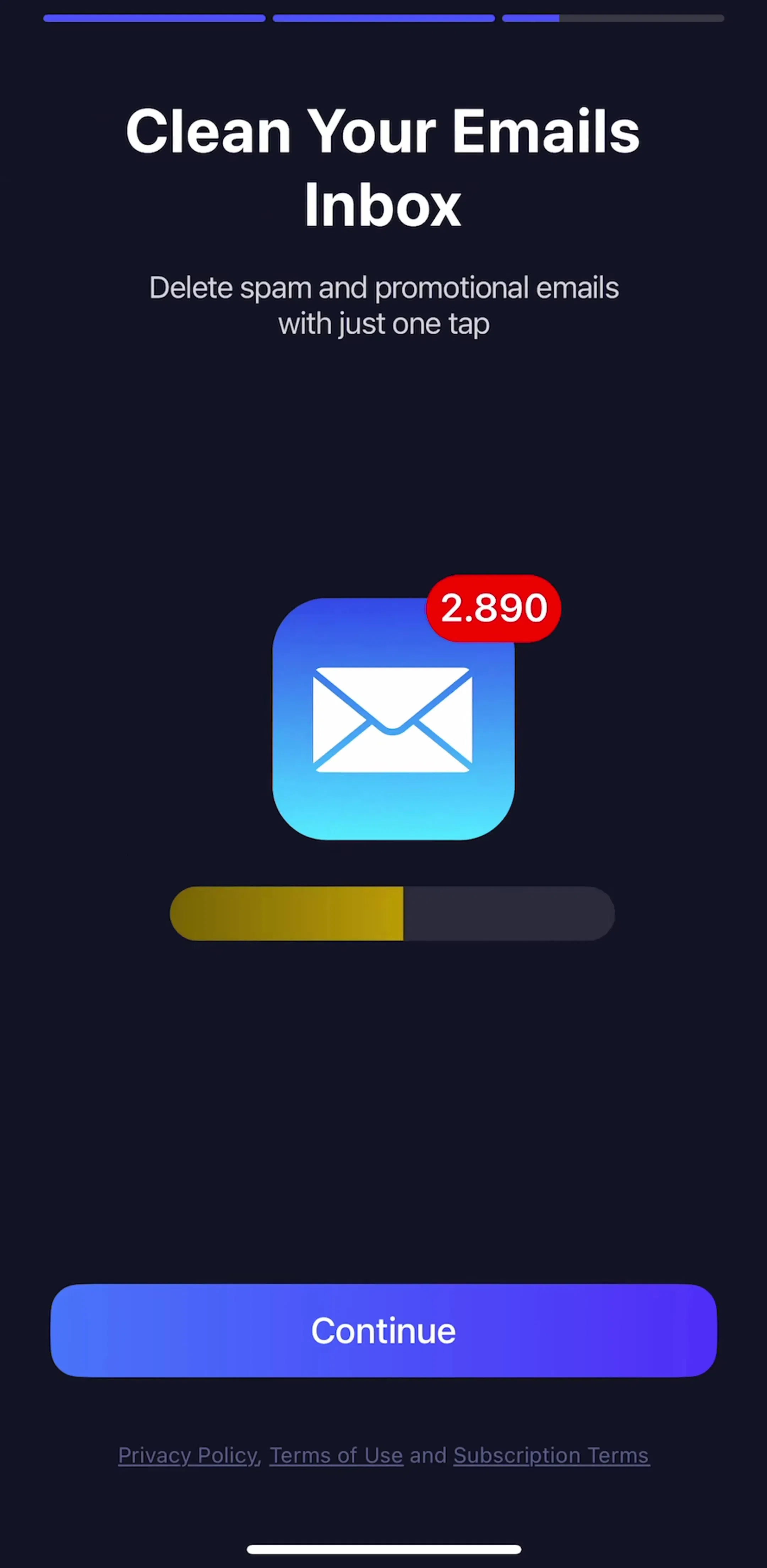
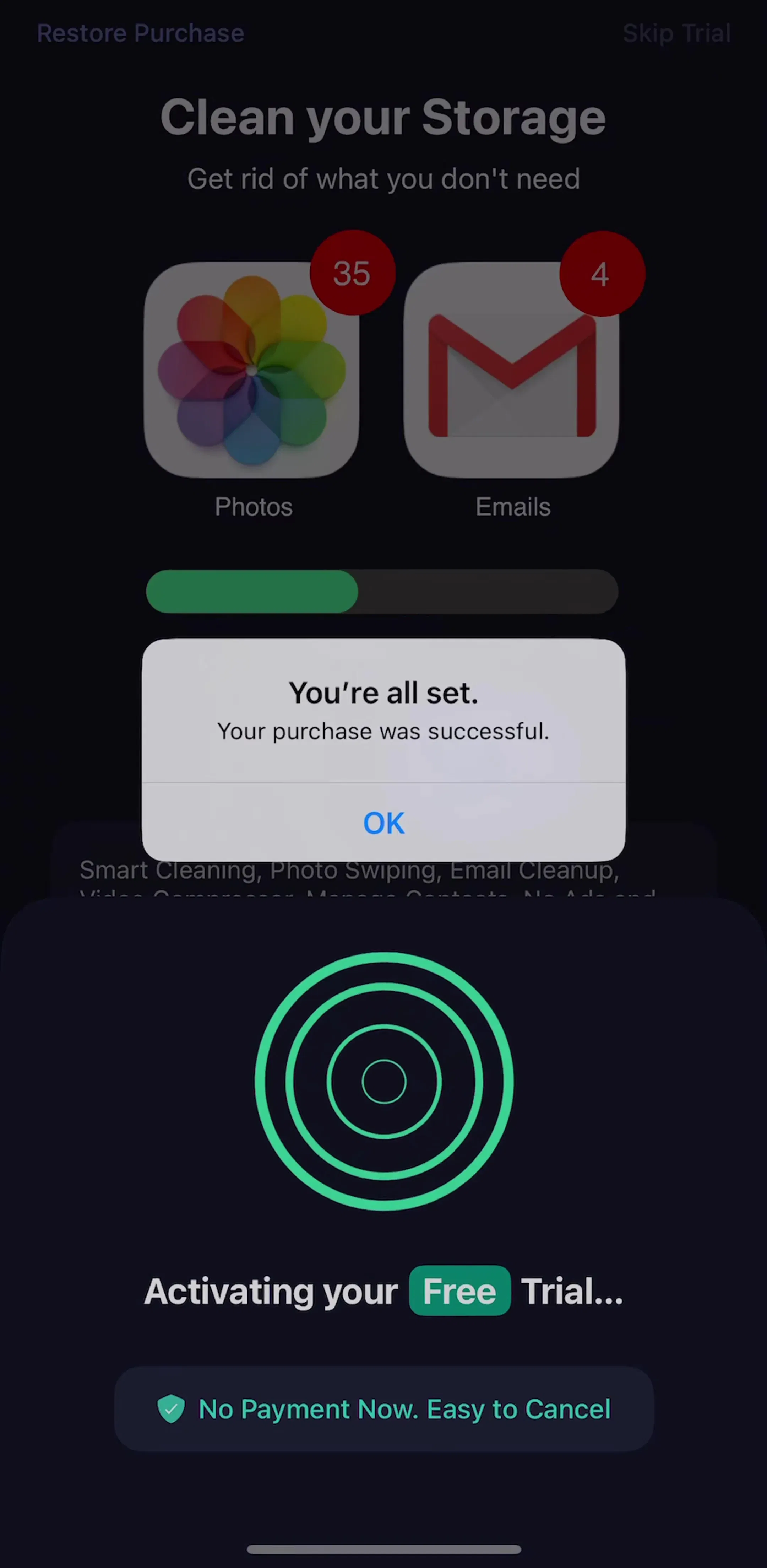
Three apps used a banner to explain the screen it sits on. Cleanup (est. $10M/mo) opens its video compression list with a strip that says Compress your videos and save storage up to 425.7 MB, a number that changes with your library. Cleaner Guru (est. $5M/mo) puts a small green strip reading No Payment Now. Easy to Cancel under its Activating your Free Trial message, answering the worry at the exact moment it arises.
AllTrails (est. $6M/mo) shows a dark banner over the map that reads Missing the search bar? Tap the map to bring it back, with an X in the corner. It was the only banner in the sample with a visible way to dismiss it. That fits the job: a hint is useful once and annoying after, so it has to be closable. The upsell and nudge banners had no close button, which is a business decision more than a design one, and worth making deliberately.
Five apps in the sample showed a message that is clearly meant to disappear on its own, and they are worth separating from banners because the rules are different.
The difference from a banner is time and cause. A snackbar answers something you just did, and its action undoes or opens the result. A banner exists because of a state, such as an unpaid account, an unfinished profile or a full phone, and it stays as long as the state does. If your message would still be true in ten minutes, it is a banner. If it is only news right now, it is a snackbar.
Four apps skipped the banner for an upgrade and put a small pill in the header instead. ChatGPT (est. $267M/mo) puts an Upgrade pill at the top of the chat screen, Claude (est. $59M/mo) puts one at the top of settings, The New York Times puts Subscribe to Games in the Wordle header, and MyFitnessPal shows a Premium pill under its logo. A pill costs almost no space and never pushes content down, which is why the highest-grossing app in the library uses one. Our pill button post and badges UI post cover those small shapes.
Every example above comes from the feed flows, profile flows and onboarding flows in the library.
A note on the numbers: the sample is every free preview screen of the 30 highest-grossing apps in the library, 159 screens, the same screens any visitor sees without an account. A free preview is a handful of screens per app, so an app with no banner here may still show one elsewhere, and snackbars are only caught when the capture lands in their few seconds on screen. Treat every screen described as a dated snapshot. Revenue figures are third-party monthly estimates from our library, useful for comparing magnitude, not audited financials.
A banner is a message that sits inside the layout and stays there until the person acts on it, dismisses it, or the condition behind it goes away. It is usually a full-width strip or card at the top or bottom of the content, with one line of text and at most one action. That persistence is what separates it from a snackbar or toast, which appears for a few seconds and leaves on its own.
A banner stays in the layout and pushes content around it. A snackbar slides in at the bottom for a few seconds, confirms something you just did, and often carries one action such as Undo or View. A toast is the same idea with no action, often a small dark pill in the middle or at the bottom of the screen. In our sample, YouTube Music, Canva and CamScanner showed snackbars with an action, and Meitu showed a toast without one.
Put it next to the thing it is about. A banner about storage belongs at the top of the storage list, as in Cleanup. A banner selling the whole product can sit at the bottom edge above the tab bar, as The New York Times does with its subscribe strip. A banner floating in the middle of unrelated content gets read as an ad and skipped.
Any banner that is not about a real problem should be dismissible, or it becomes permanent clutter. In our sample only AllTrails showed a close button on its banner. The upsell and nudge banners had no visible way to dismiss them, which works for a subscribe strip the business wants on every screen, but wears thin for a nudge the person has already decided to ignore.
One. Every banner in our sample appeared alone on its screen. Two stacked banners compete with each other and with the content, and people stop reading both. If several messages are waiting, queue them and show the most important one.
The mobileappdesign library captures every app screen by screen in sequence, so you can see a banner in the context of the screen around it, and the screen it leads to when tapped. Home, feed, profile and settings flows are where most in-product banners live.
Browse captured feed and home flows from revenue-verified iOS apps, screen by screen, with estimated revenue next to every app.
Browse feed flows