UI elementsOctober 20, 20267 min read
Search for carousel UI and most of what comes back is a web component: a hero banner that rotates on its own, with arrows, and the usability research that says nobody sees slide two. The mobile carousel is a different animal. It does not move until you swipe, it sits inside a page that scrolls the other way, and it is how most apps lay out a home screen.
To see how shipping apps use it, we read the free preview screens of the 30 highest-grossing apps in the library, 180 screens. 14 of the 30 show a carousel of some kind. This post sorts those into four shapes, says which one belongs where, and hands the dots to our page indicator post, which already covers how to draw them.
This post counts any horizontally scrolling row of content cards, with or without dots. It does not count rows of chips or tabs, which our chip UI post covers, and it does not count the dots themselves, which belong to the page indicator post. The 14 apps split like this.
| Shape | Apps |
|---|---|
| Peek rail, free scroll, no dots (8) | ChatGPT, Flo, Deezer, Perplexity, Suno, ESPN, Picsart, Meitu |
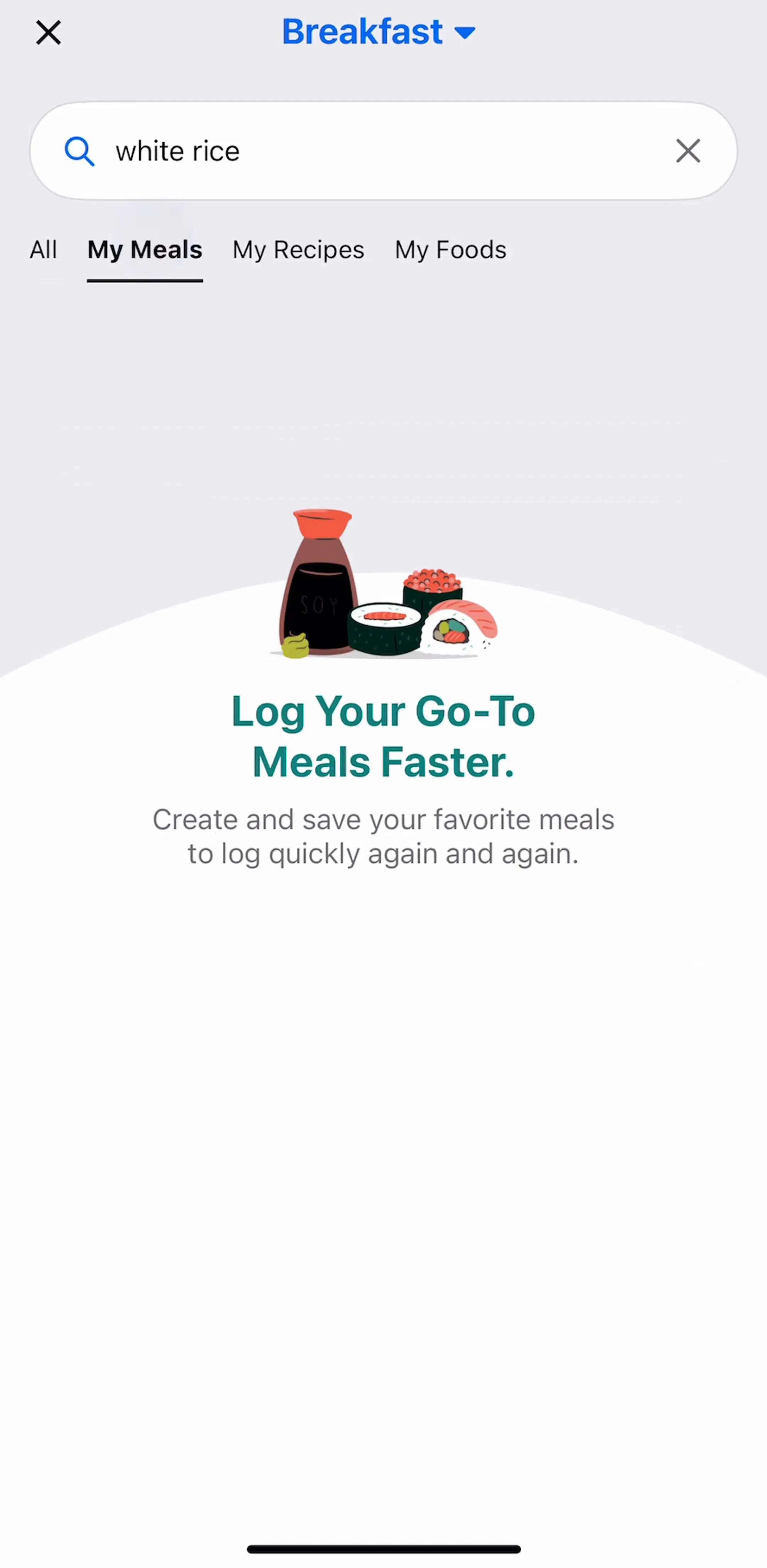
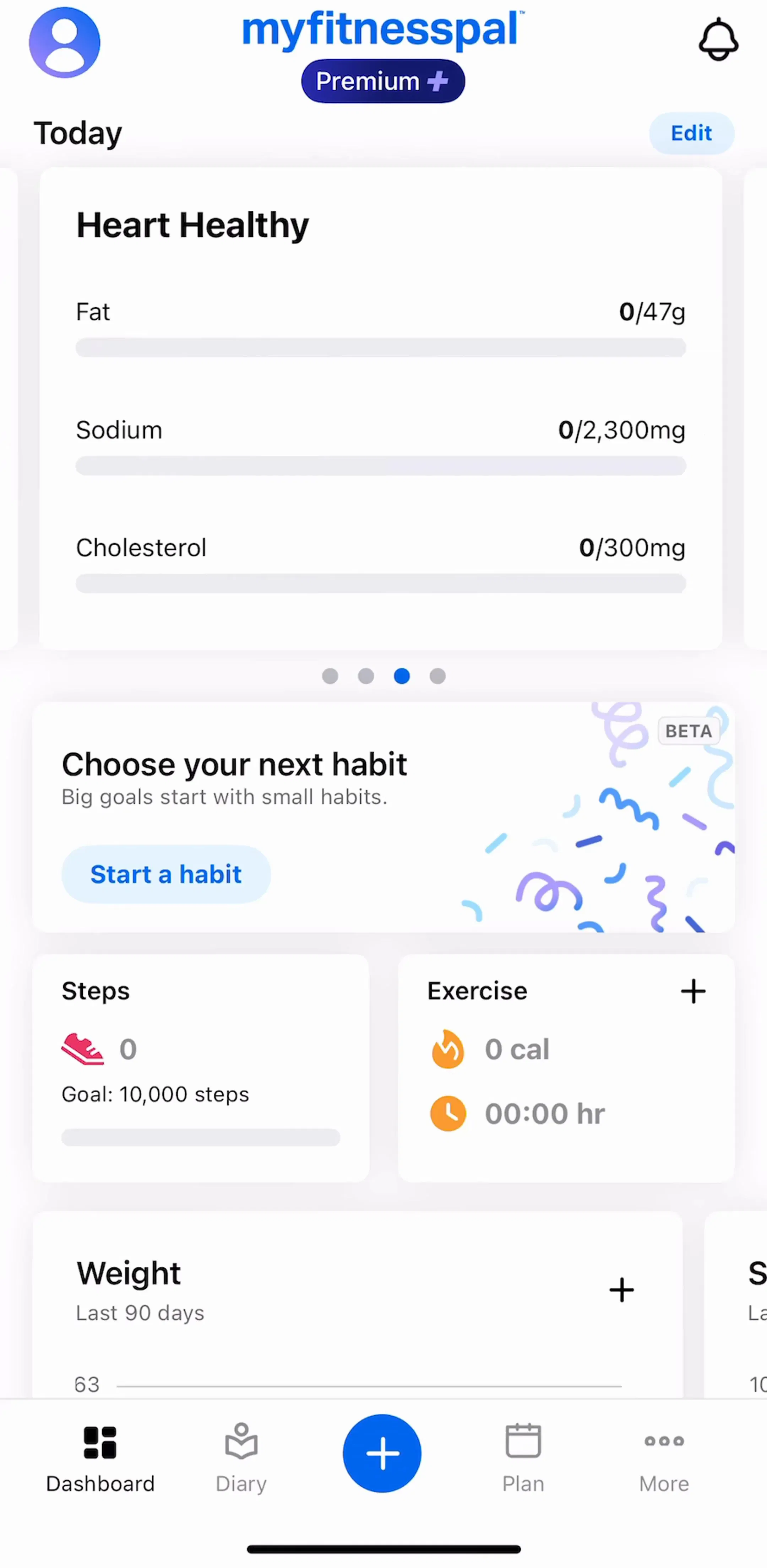
| Paged cards with dots on a home screen (3) | Strava, MyFitnessPal, Cleanup |
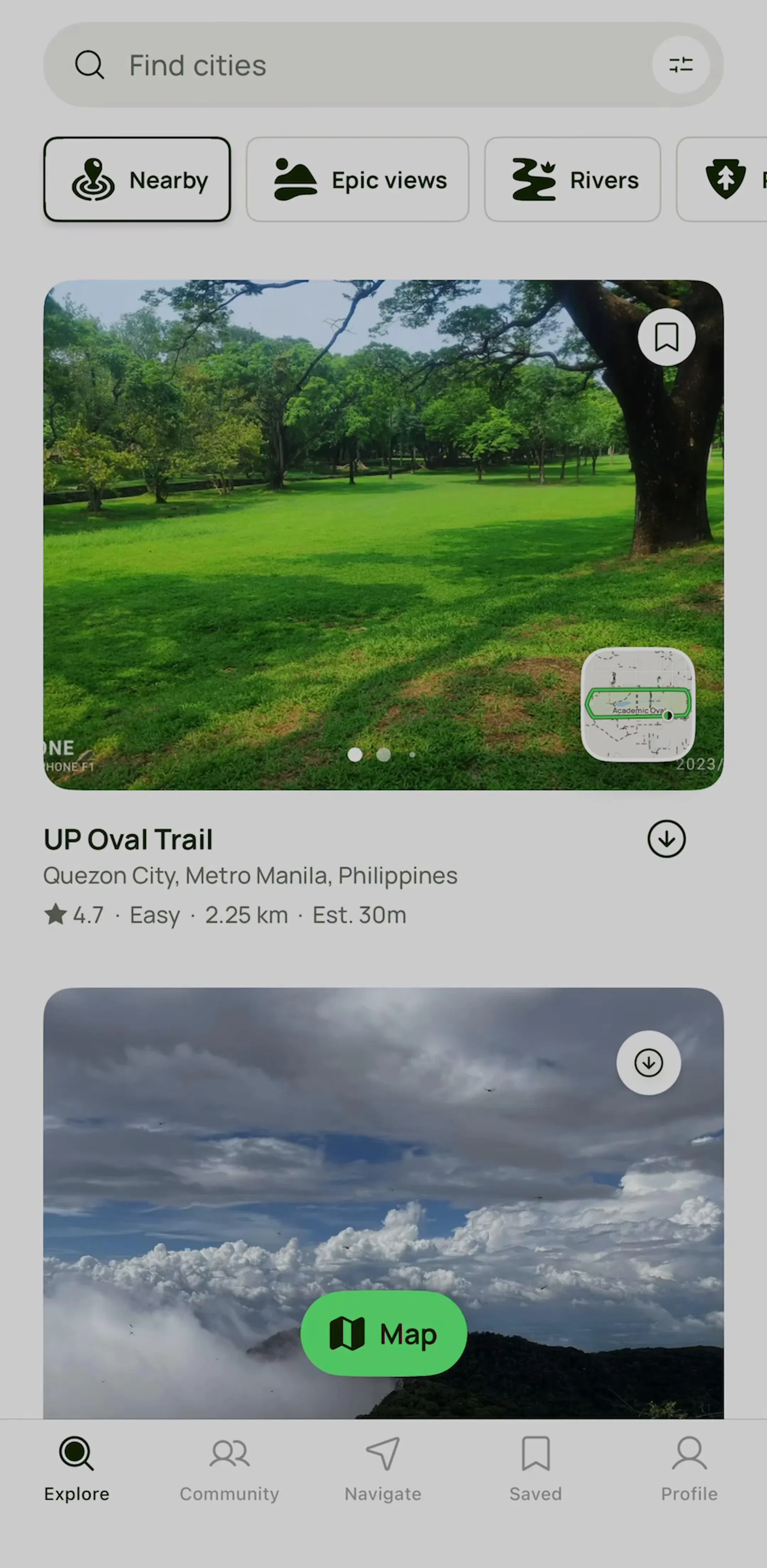
| Photo carousel inside a card (1) | AllTrails |
| Onboarding slide carousel (2) | CamScanner, SoundCloud |
The peek rail is the mobile carousel. It outnumbers every other shape combined, and it is the one with no dots, no arrows and no timer.
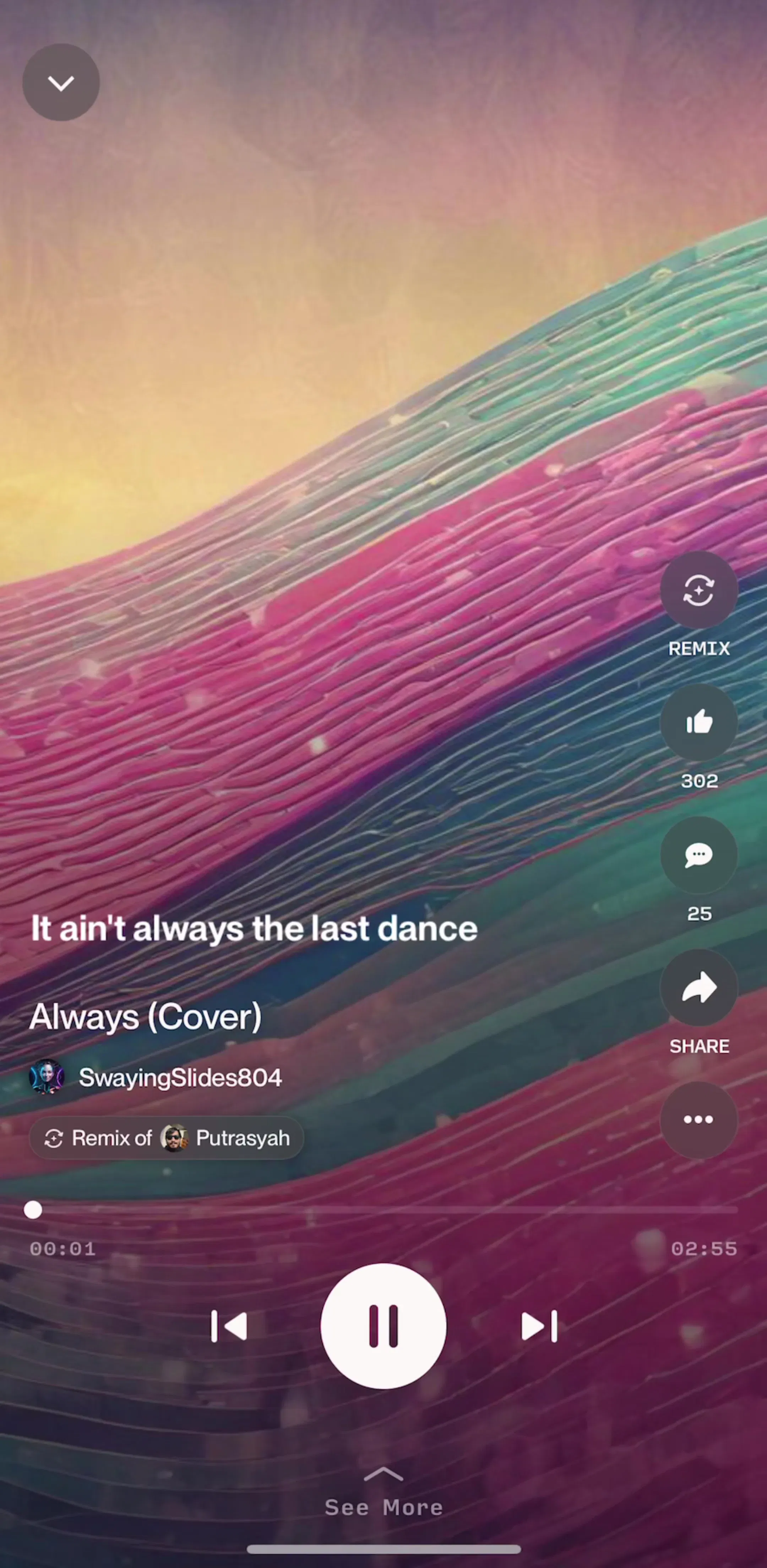
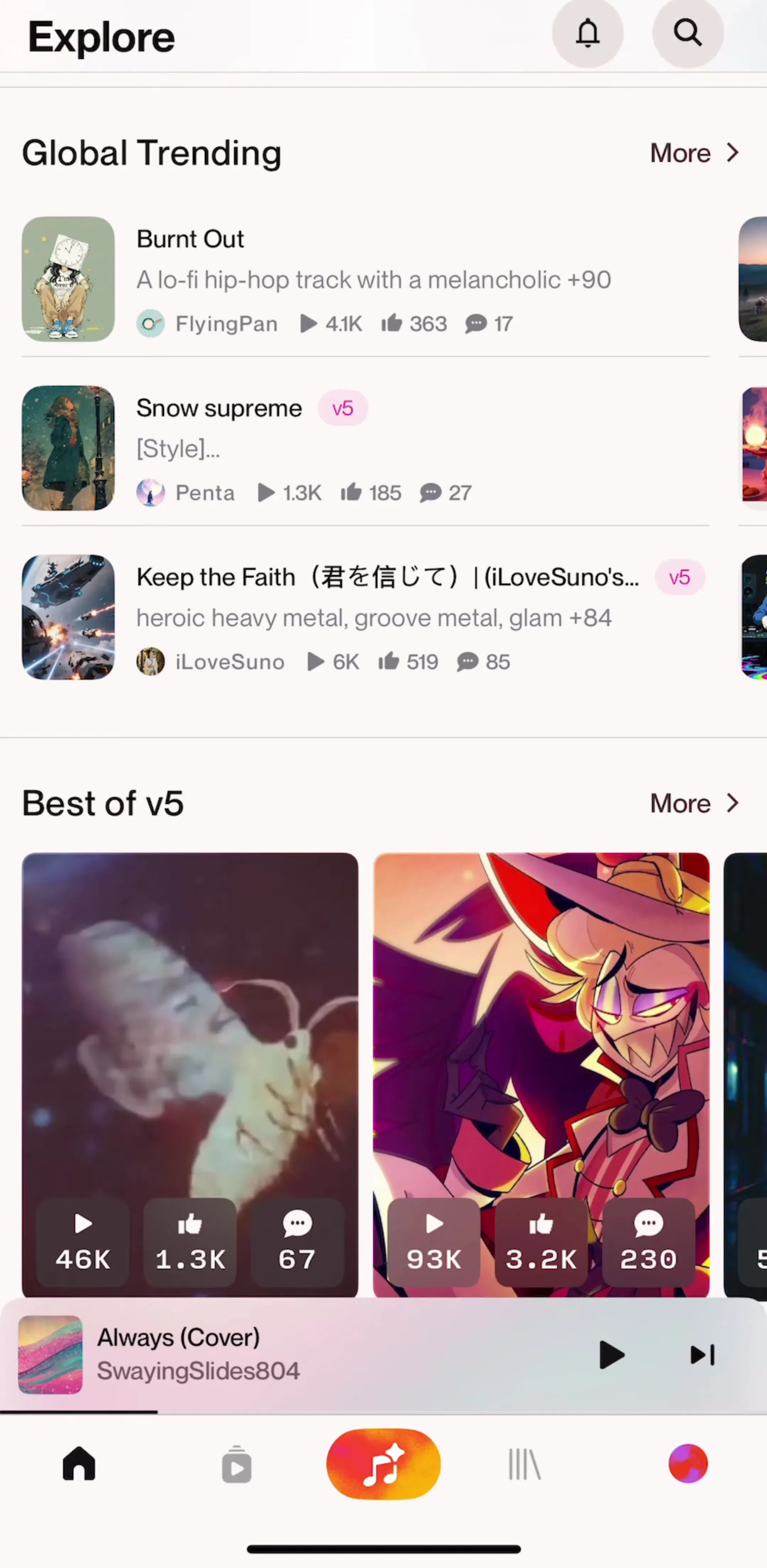
Suno (est. $5.2M/mo) lays out its Explore tab as a stack of rails: Global Trending as a vertical list, then Best of v5 as a row of square covers with play counts, the third cover sliced off by the screen edge. That slice is the whole affordance. Nothing says swipe; the half-visible card does.
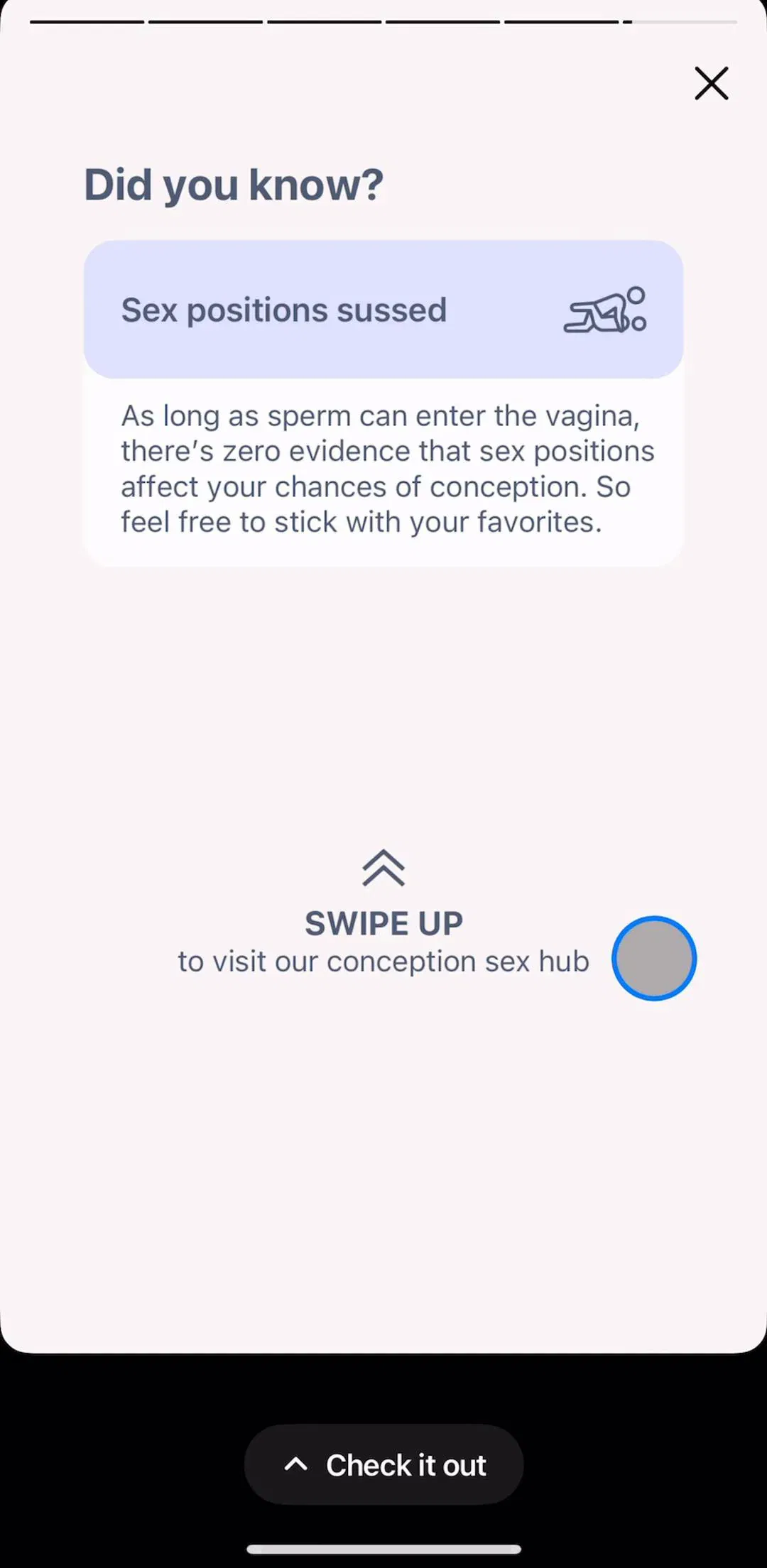
Flo (est. $9M/mo) uses two rails on one content screen: symptom cards under Early signs of pregnancy, and a row of infographic tiles under Recognize the signs. Each rail has its own heading, its own card size and its own scroll position, which is the convention everywhere in the sample: one row per rail, and the rails stack vertically.

ESPN (est. $5M/mo) is the heaviest user, with four rails on a single Watch screen: Browse by Shows and Originals, Recommended for You, Conferences and Channels, each a different card shape. Deezer (est. $8M/mo) stacks Live EPs and Only on Deezer, Perplexity (est. $7M/mo) ends an article with a Keep Reading rail, and ChatGPT (est. $267M/mo) uses a rail of conversation starters on a GPT's page. Four of the eight peek-rail apps, Deezer, Suno, ESPN and Picsart, put a See all or More link in the rail heading, which is the honest way to say the rail is a sample, not the whole set.
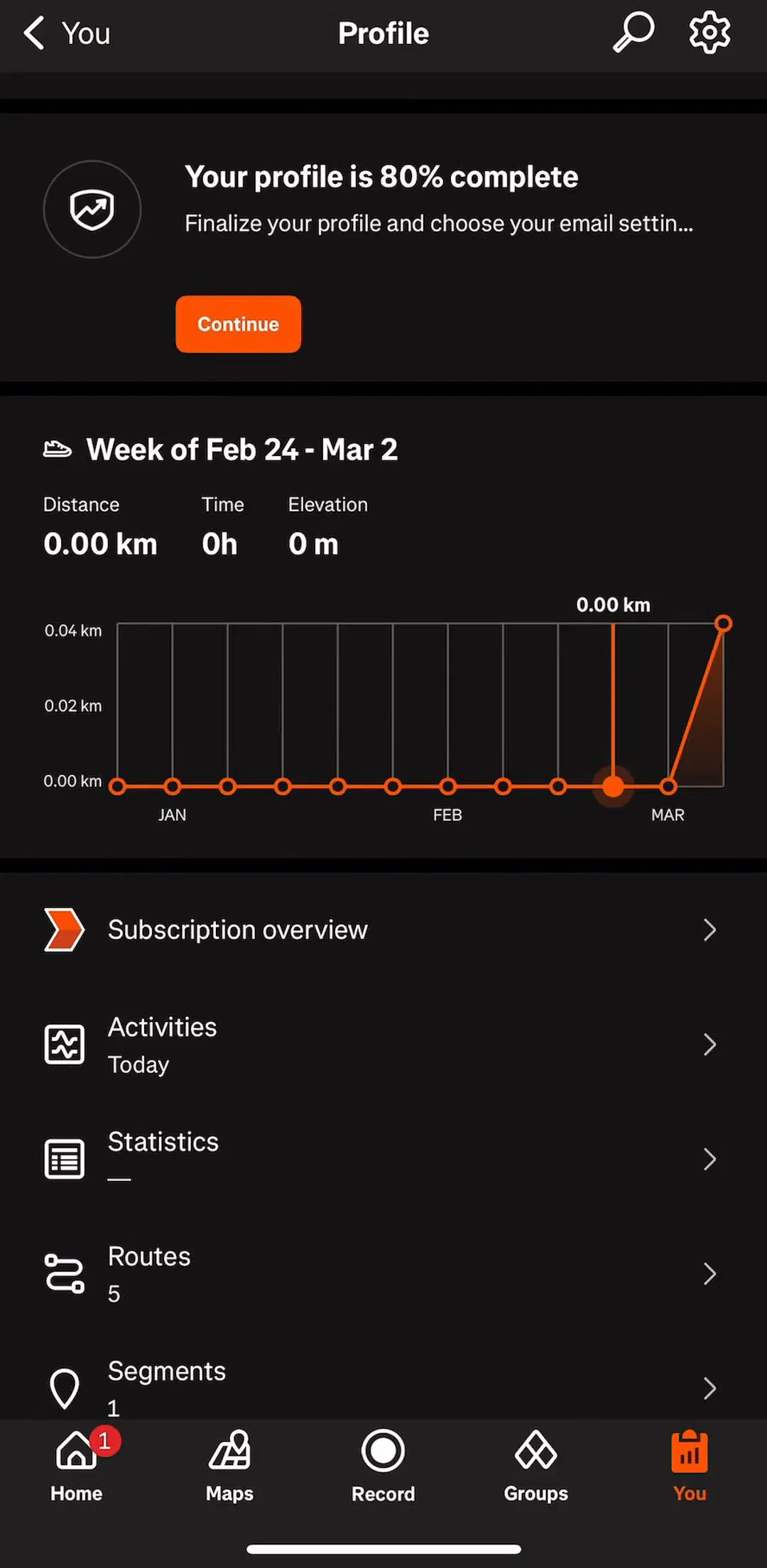
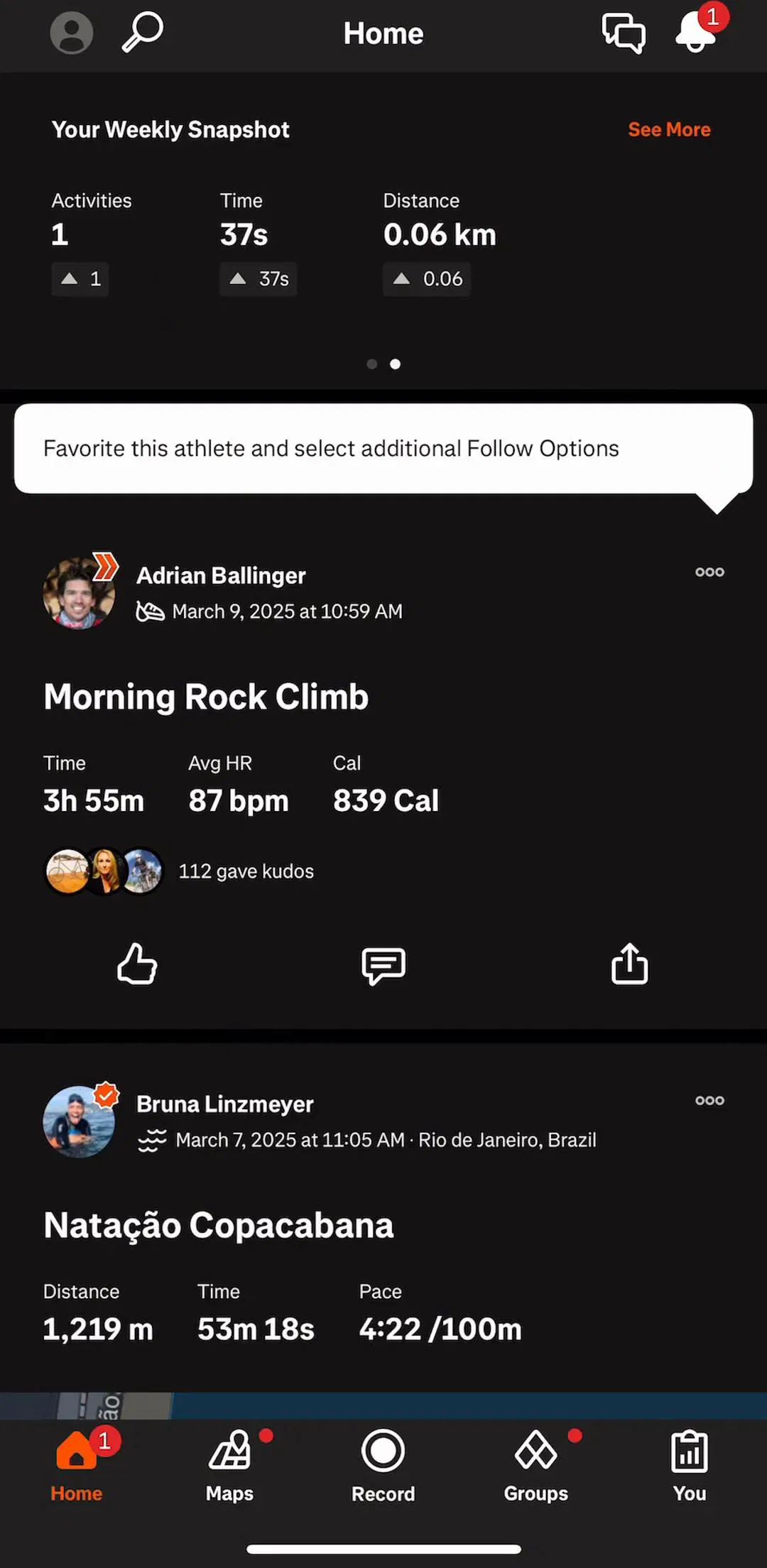
Three apps page cards on their home or dashboard screen, one card per swipe, with a dot row underneath. Strava (est. $16M/mo) opens Home with Your Weekly Snapshot, a card showing activities, time and distance, and two dots below it. The second page is the same card for another period. The dots tell you the set is short and finite, which is exactly when dots earn their place.
MyFitnessPal (est. $12M/mo) does the same with four dots under its dashboard card, cycling Heart Healthy, calories and other summaries. Cleanup (est. $10M/mo) pages two widget previews with two dots on its Widgets screen. In all three the paged card is the first thing on the screen and the page is otherwise a vertical list, so the carousel reads as a header that can change, not as a feed.
AllTrails (est. $6M/mo) is the one app in the sample that nests a carousel inside a list item: each trail card on the Explore map carries a photo strip with its own dots, overlaid on the image, while the card list itself scrolls vertically. It works because the dots are inside the photo and the swipe is contained to the image area; the convention from listing apps generally. It also means two horizontal gestures live on one screen, the map and the photos, and the card has to be tall enough that a thumb does not confuse them.
The welcome tour, three slides with a dot row and a Continue button, used to be the first thing every app showed. In this sample only CamScanner (est. $7M/mo) and SoundCloud (est. $10M/mo) still run one in their free screens, and CamScanner's slides share the screen with the plan picker. The other 28 apps go straight to a question, a permission ask or a paywall. Our onboarding examples post covers what replaced it.


Every example above comes from the home flows and the search and discovery flows in the library.
A note on the numbers: the sample is every free preview screen of the 30 highest-grossing apps in the library, 180 screens, the same screens any visitor sees without an account. A free preview is a handful of screens per app, not the whole app, so an app with no carousel here may still use one deeper in its flows. Treat every screen described as a dated snapshot. Revenue figures are third-party monthly estimates from our library, useful for comparing magnitude, not audited financials.
A carousel is a horizontal strip of items that scrolls sideways while the rest of the screen scrolls vertically. On mobile it takes two main forms: a peek rail, where cards run off the right edge and the person swipes freely, and a paged carousel, where one card fills the width at a time and a row of dots shows how many there are.
The classic warning is about auto-rotating hero banners on the web, where almost nobody sees slide two. Mobile content rails are different: they do not move on their own, the cut-off card tells people they can swipe, and the vertical page keeps scrolling past them. In our sample 14 of 30 top-grossing apps use one, and none of the 180 free screens shows a timer, an arrow or a progress bar on a carousel.
Only when it pages, one card per swipe. Paged home-screen cards in Strava, MyFitnessPal and Cleanup show dots. The 8 free-scrolling peek rails show none, because the peeking card already says there is more and a dot count for twelve items means nothing. The page indicator post covers how to draw the dots themselves.
Peek rails in the sample show two to four cards on screen and let the rest scroll; the apps that need more add a See all or More link at the rail heading, as Deezer, Suno, ESPN and Picsart do. Paged carousels stay short: Strava and Cleanup page two to three cards, MyFitnessPal four.
Nothing structural. Carousel is the name designers use when the items are cards with imagery and the strip is a section of a longer page. A horizontal list of plain chips or tabs is usually called a rail or a scroller. This post counts any horizontally scrolling row of content cards, with or without dots.
The home and feed flows in the mobileappdesign library hold most of them. Every app is captured screen by screen in sequence, so you can see the rail at the top of a feed and the detail screen it opens, rather than a cropped component.
Browse captured home and feed flows from revenue-verified iOS apps, screen by screen, with estimated revenue next to every app.
Browse home flows