App StoreAugust 13, 20268 min read
Screenshot specs are the one part of shipping an app where you can be exactly right or exactly wrong, so most articles stop at the pixel table. We went further: our library stores the live App Store listing images for 2,620 iOS apps alongside their in-app screens, so we measured what those listings actually use. The answer is that the published spec and the shipped reality have drifted a long way apart.
These are the portrait dimensions from Apple’s current screenshot specifications. Landscape is the same numbers transposed.
The rule that saves you the most work is Apple’s own: if your interface is the same across device sizes, provide only the highest resolution screenshots required and they scale down automatically. In practice that means one iPhone set at 1320 x 2868 and, if you ship an iPad build, one iPad set at 2064 x 2752. You can upload between one and ten images per size, as .jpeg, .jpg, or .png, with no alpha channel or transparency.
We measured every App Store screenshot stored against the 2,620 apps in the library: 19,673 images in total. Grouped into Apple’s display families, the distribution is not what the spec table would predict.
Read that again: fewer than one in twelve screenshots on these listings is at the size Apple currently asks for. Most product pages are running assets designed for a phone that shipped years ago, being scaled to fit today’s Pro Max. Nothing breaks, which is exactly why nobody fixes it. If you want a cheap edge on a crowded category page, being one of the 7.9% that renders at native resolution is close to free.
Two more numbers worth having. Orientation is effectively settled: of 19,673 screenshots, 6 were landscape. Even apps whose entire product is a full bleed image, such as FaceApp (est. $14M/mo), sell in portrait. And apps use more slots than you would guess. The median listing carries 8 screenshots, 22% use all 10, and only 17% stop at 5 or fewer. If you are shipping three screenshots because that is what fits above the fold, you are leaving seven paid ad slots empty on a page people do scroll.
The listings that convert treat the ten slots as one argument with a beginning and an end, not ten unrelated captures. CamScanner (est. $7M/mo) and PictureThis (est. $14M/mo) both sell a single mechanical promise, scan this and get that, and their product pages are built to land that promise before a thumb moves. Compare the store page to what the app actually opens with and you can see whether the promise survives contact with the first session.
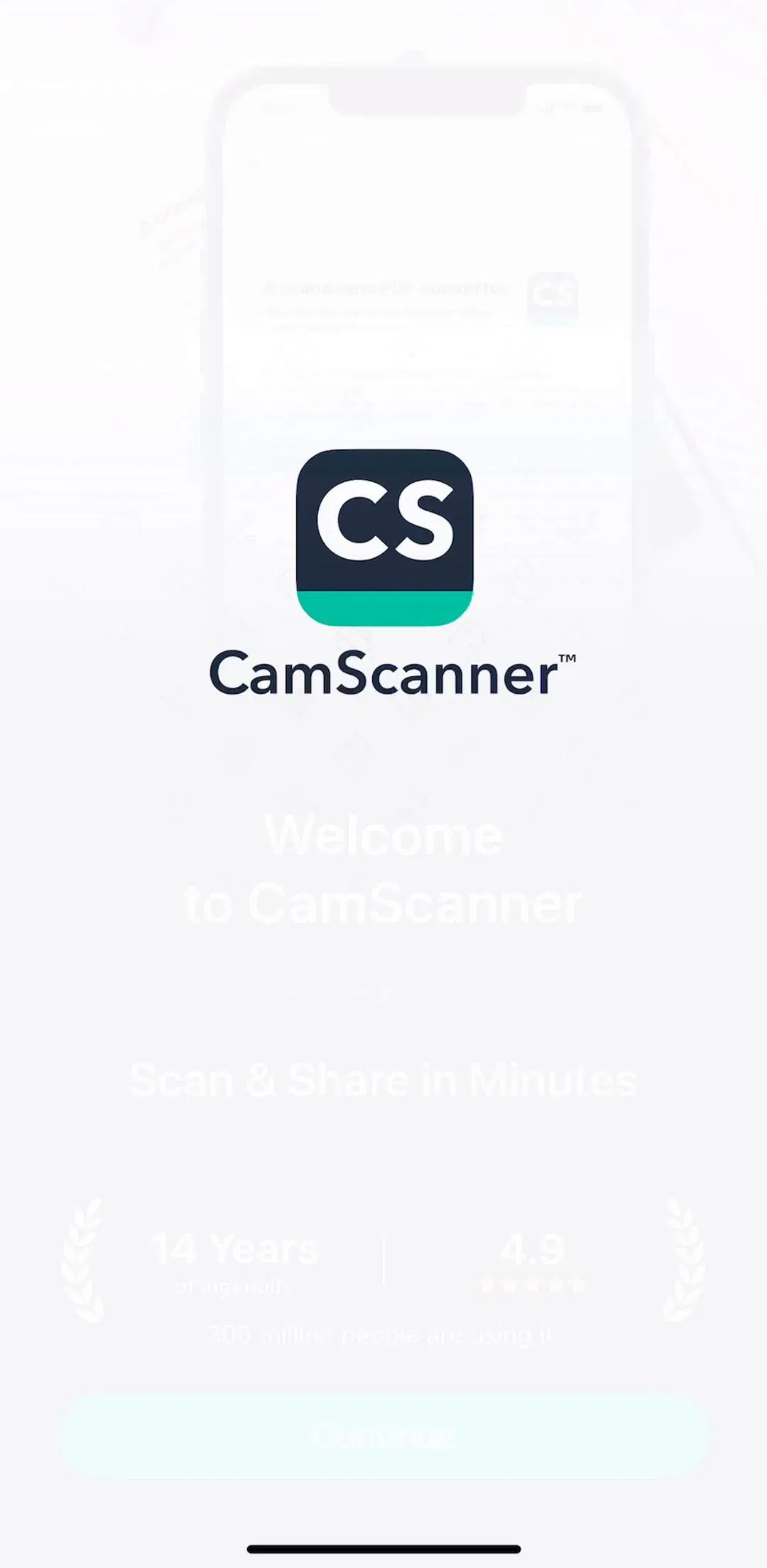
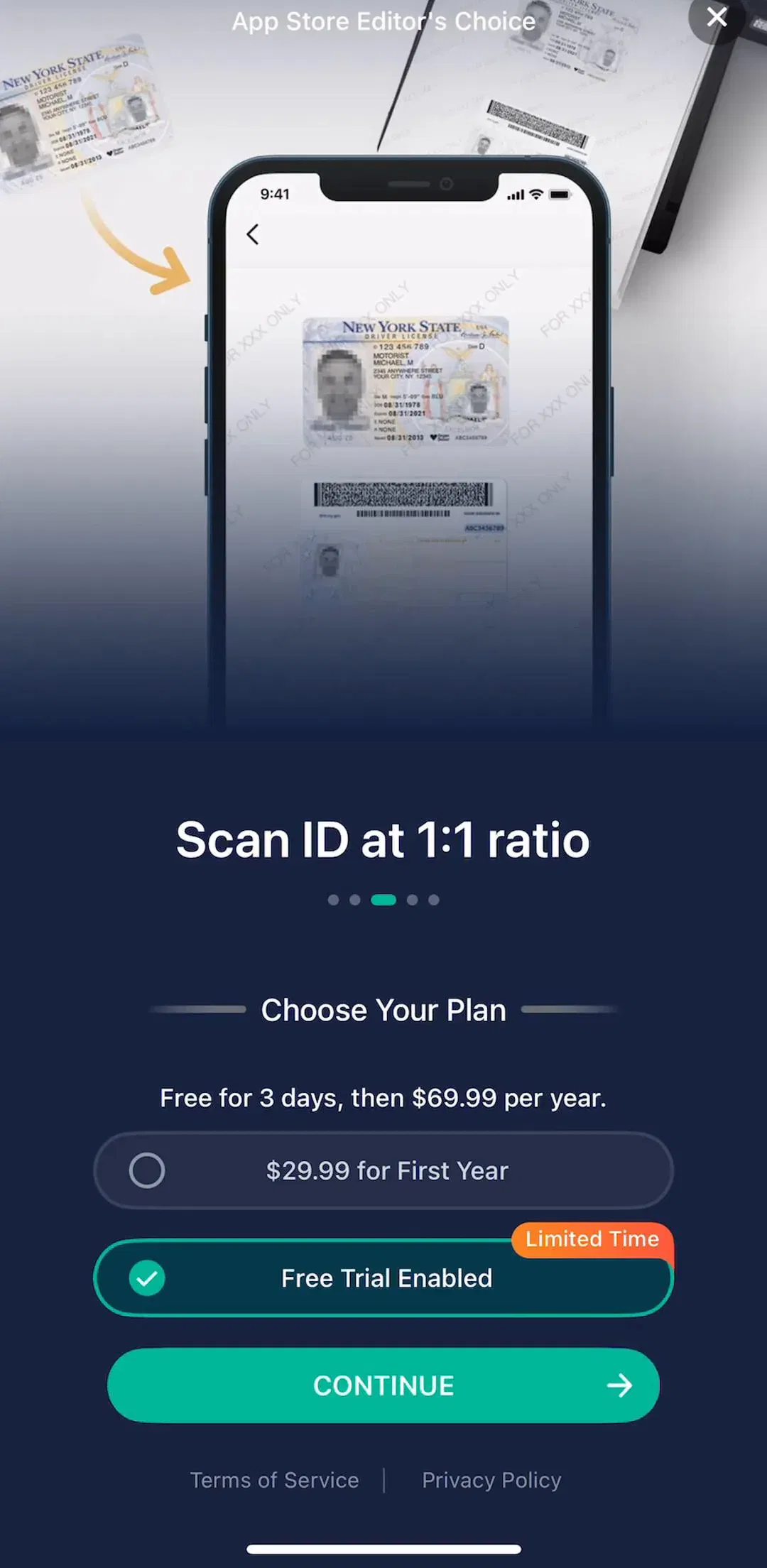
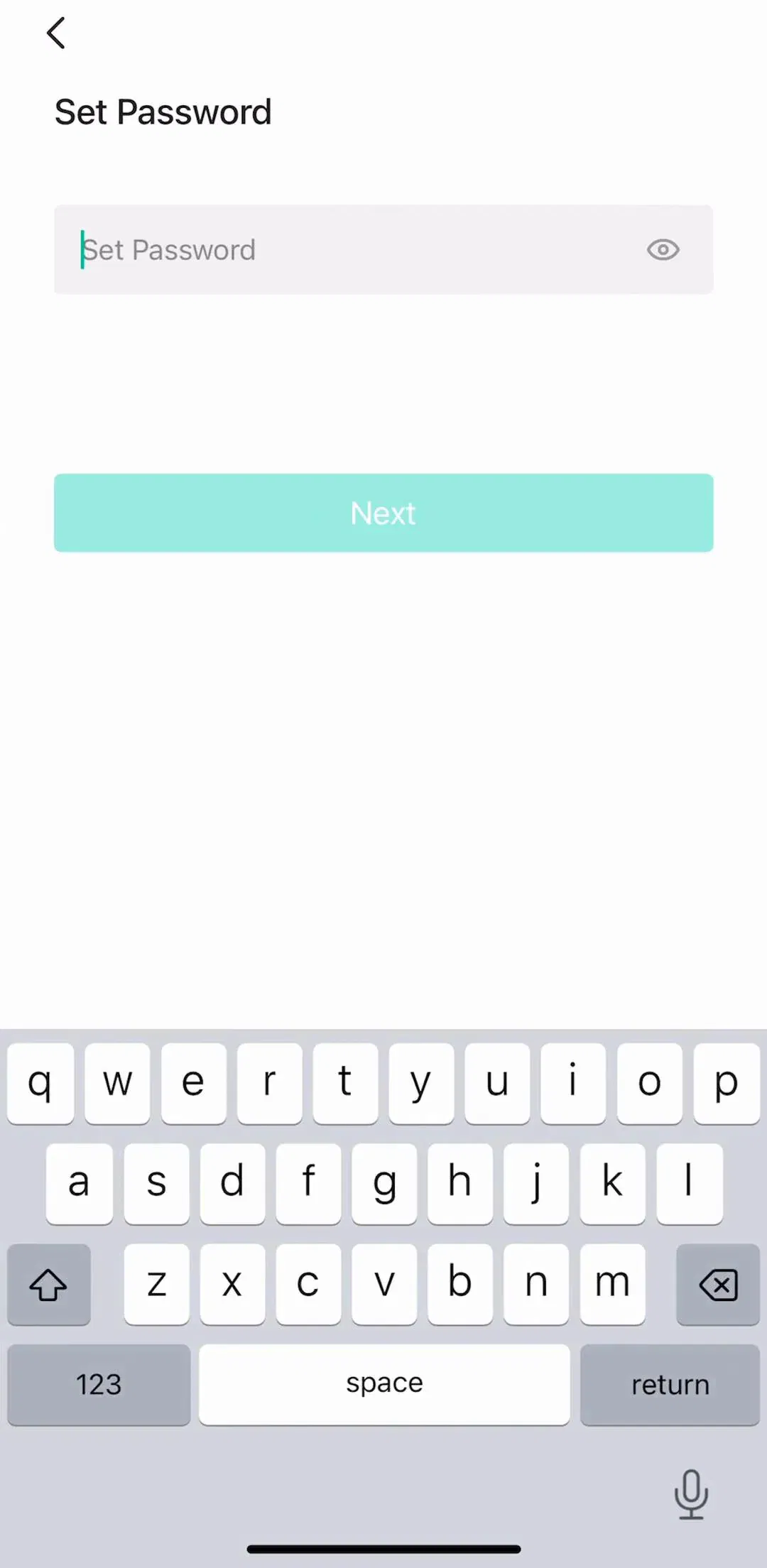
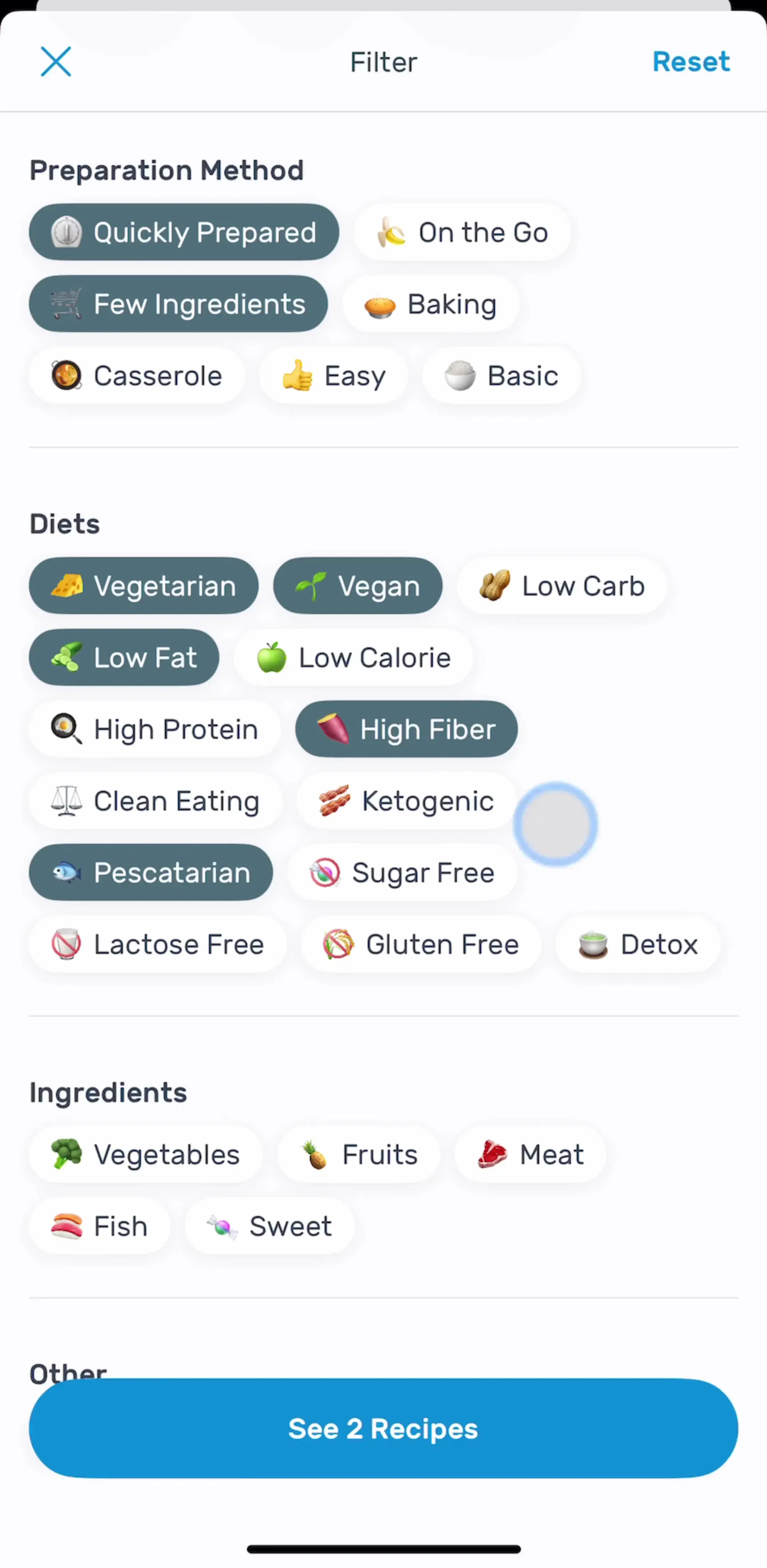
The mismatch is the most common self-inflicted wound we see. A store page sells an outcome, the app opens on a 28 step quiz and a paywall, and the install churns before the value ever arrives. If your screenshots promise speed, your onboarding flow has to be short, and if they promise depth, your paywall should arrive after the depth is visible, not before.
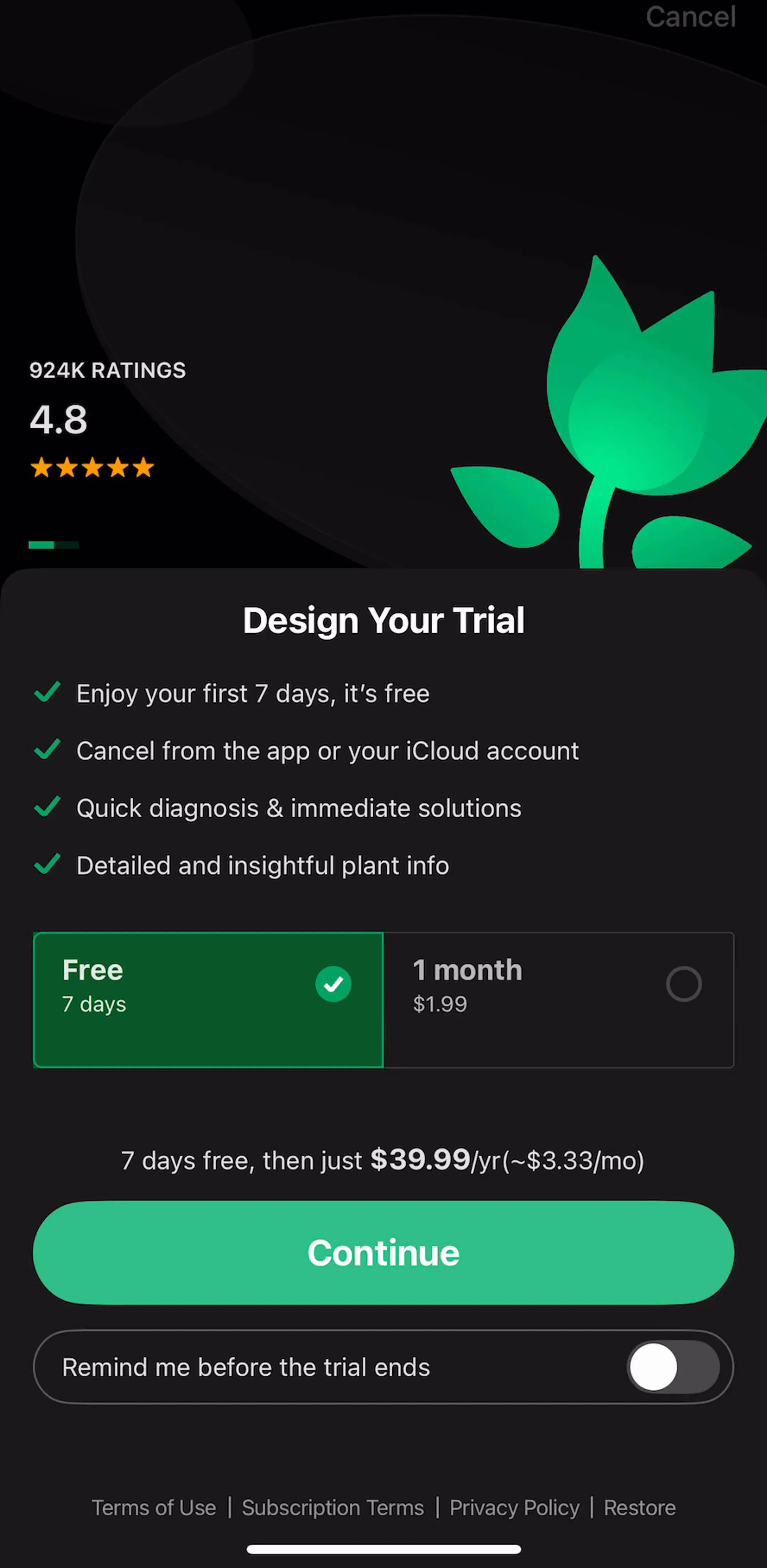
Specs are universal, but conventions are per category: a photo editor sells with before-and-after pairs, a tracker sells with a filled dashboard, a habit app sells with a streak. The reliable method is to open the twenty highest-grossing apps in your category and read their product pages as a set, then check whether the app behind each one delivers what the page implies. Every app page in our library puts the listing and the in-app screens side by side with revenue and download estimates attached, which is the comparison the App Store itself never lets you make. The best app designs roundup is a reasonable place to start if you want the top of the market first.
A note on the numbers: the size and count figures above are measured from the App Store listing images stored in our library and reflect what those product pages serve. Revenue figures are third-party monthly estimates, useful for comparing magnitude, not audited financials.
For iPhone, the 6.9 inch size at 1320 x 2868 px portrait. For iPad, the 13 inch size at 2064 x 2752 px portrait. Apple's guidance is to provide only the highest resolution screenshots required, because they scale down automatically to smaller device sizes when your interface is the same across devices.
Apple allows a minimum of one and a maximum of ten per display size, in .jpeg, .jpg, or .png format, with no alpha channel or transparency. Across the 2,620 apps in our library the median listing uses 8 screenshots and 22 percent use all 10.
Portrait, unless your app is genuinely landscape-only. Of 19,673 screenshots we measured across live iOS listings, just 6 were landscape. Apple accepts landscape at the transposed dimensions, for example 2868 x 1320 px for the 6.9 inch size.
They still display, which is why so many listings still run them: 1242 x 2688 is the single most common size we measured, at 37 percent of all screenshots. It is a legacy 6.5 inch asset, so on a current Pro Max device it is being scaled rather than shown at native resolution.
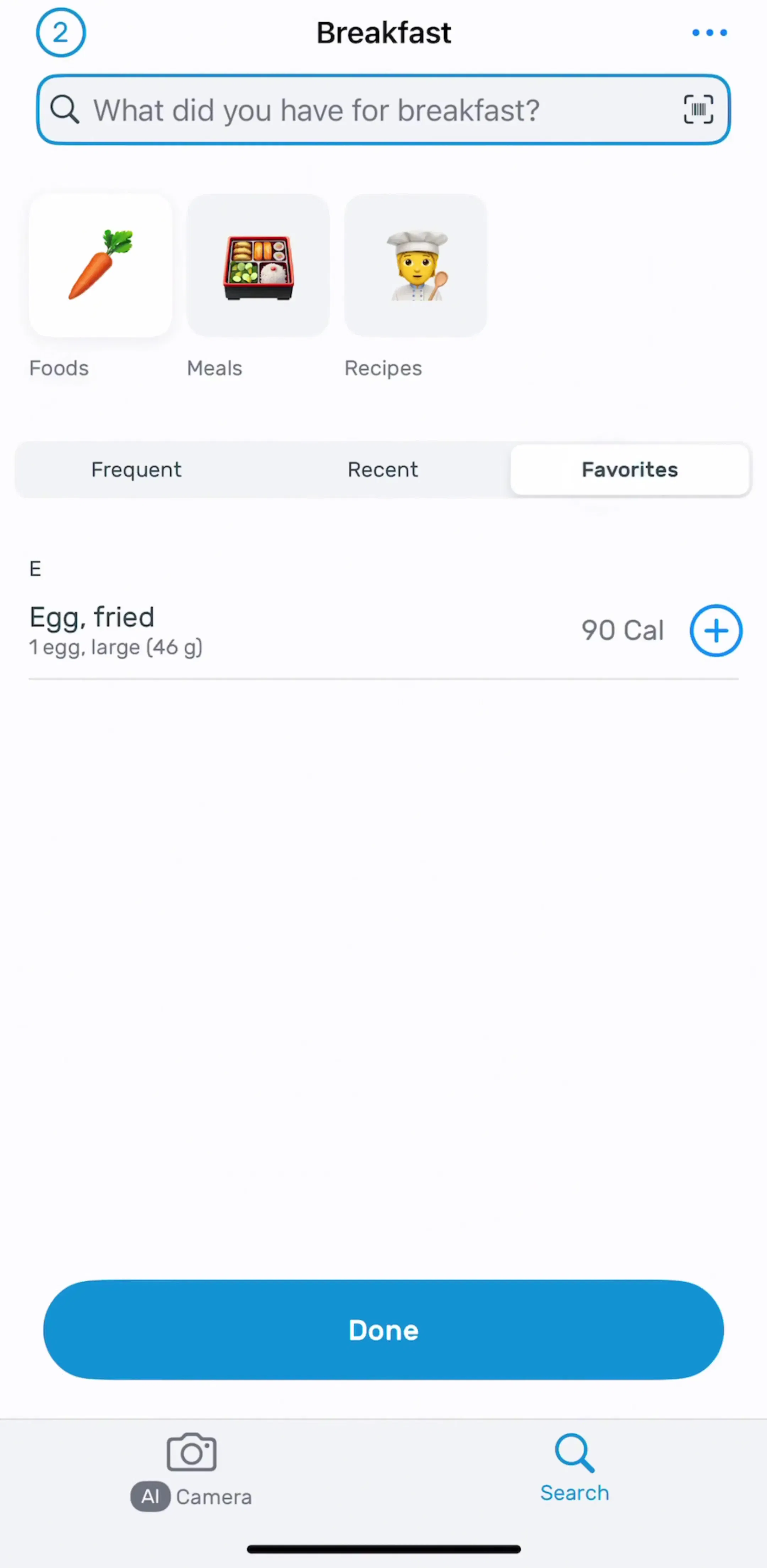
Every app page in the mobileappdesign library shows the live App Store listing screenshots next to the captured in-app screens, so you can compare what an app promises on its product page with what it actually ships in the first session.
Every app page shows the App Store screenshots next to the real in-app screens, so you can see which promises the first session actually keeps.
Browse onboarding screens