UX patternsOctober 20, 20268 min read
Every AI chat app now has a microphone somewhere near the text field. Some of them use it for dictation, some of them use it to start a spoken conversation, and a few have built a whole screen around it. The Dribbble version of voice assistant UI is a glowing orb. The shipping version is mostly a small grey icon at the right edge of a composer.
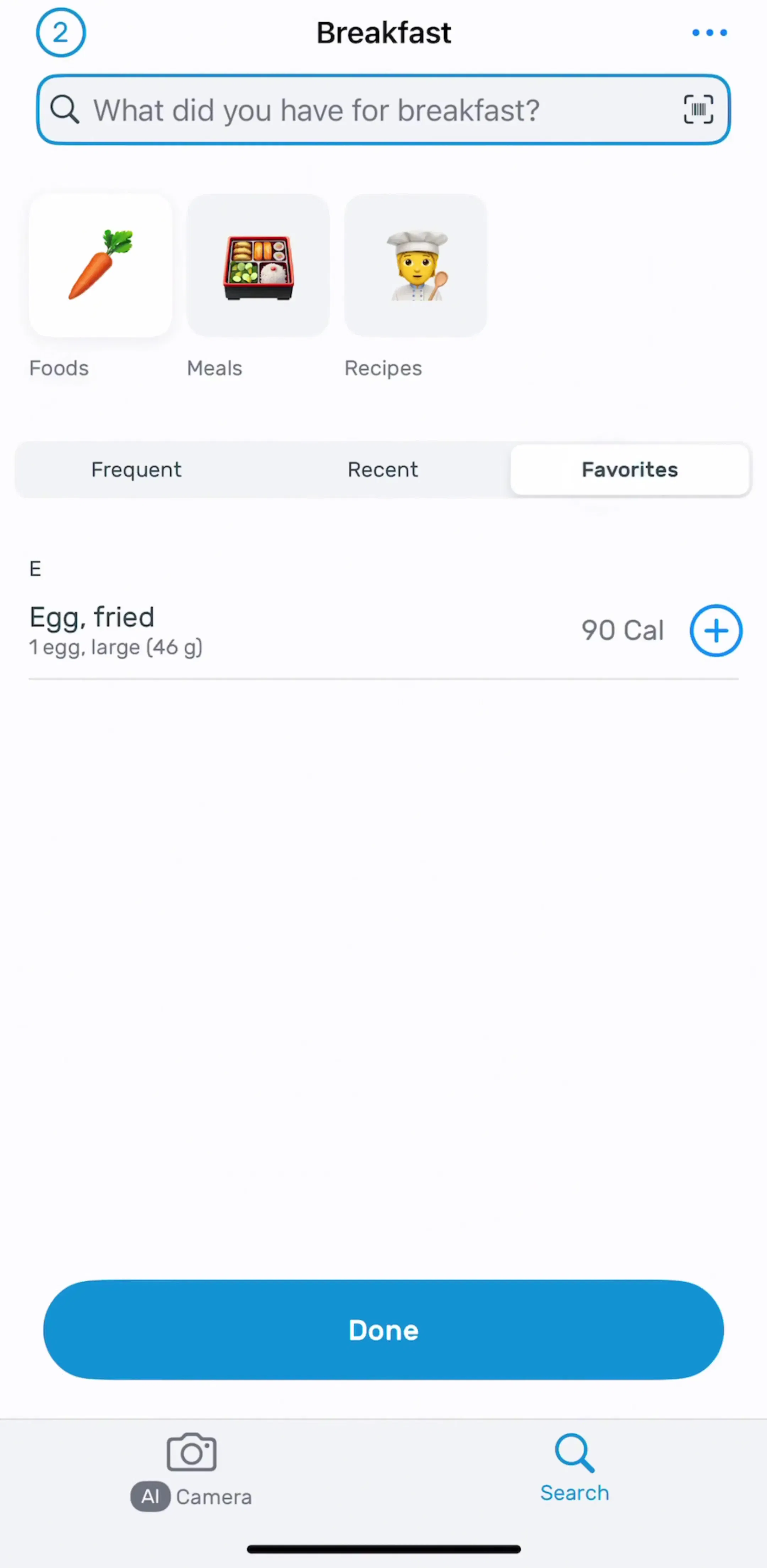
We read the free preview screens of 19 AI apps, 114 screens in all: 15 AI chat, translation and language apps, plus ChatGPT, Claude, Perplexity and Learna from the 30 highest-grossing apps in the library. 13 of the 19 draw an app-made microphone. 8 add a separate voice-mode entry. 2 show a full voice screen. This post walks through those three layers, and the settings and consent surfaces behind them. Our chat UI post owns the chat screen itself; this one owns the mic.
| Layer | Apps |
|---|---|
| Microphone in the composer (13) | ChatGPT, Claude, Perplexity, Gemini, Poe, ChatNow, Genie, Nova, Chat & Ask AI, ChatBox, Translate Now, Learna, Speak |
| Separate voice-mode entry (8) | ChatGPT, Claude, ChatNow, Gemini, ChatBox, Nova, Learna, Speak |
| Full voice screen shown (2) | Learna, Gemini (as an explainer sheet) |
| Read-aloud button on replies (3) | Speak, LangLearn, Gemini |
| No app-made mic in free screens (6) | Chat Smith, ElevenLabs, ELSA, HelloTalk, LangLearn, PolyBuzz |
The six without a mic are not all misses. ElevenLabs makes speech rather than listening to it, and the language apps keep their speaking exercises deeper than the free preview reaches. But the headline holds: the microphone is standard furniture on an AI composer, and the voice conversation is still the exception.
ChatGPT (est. $267M/mo) sets the pattern the rest copy. The Ask anything field has a plus on the left, a grey microphone inside the field on the right, and then a filled black circle with a waveform just outside it. The mic dictates. The waveform starts voice mode. They are a few points apart and do completely different things, and the visual weight says which one is the bigger step.
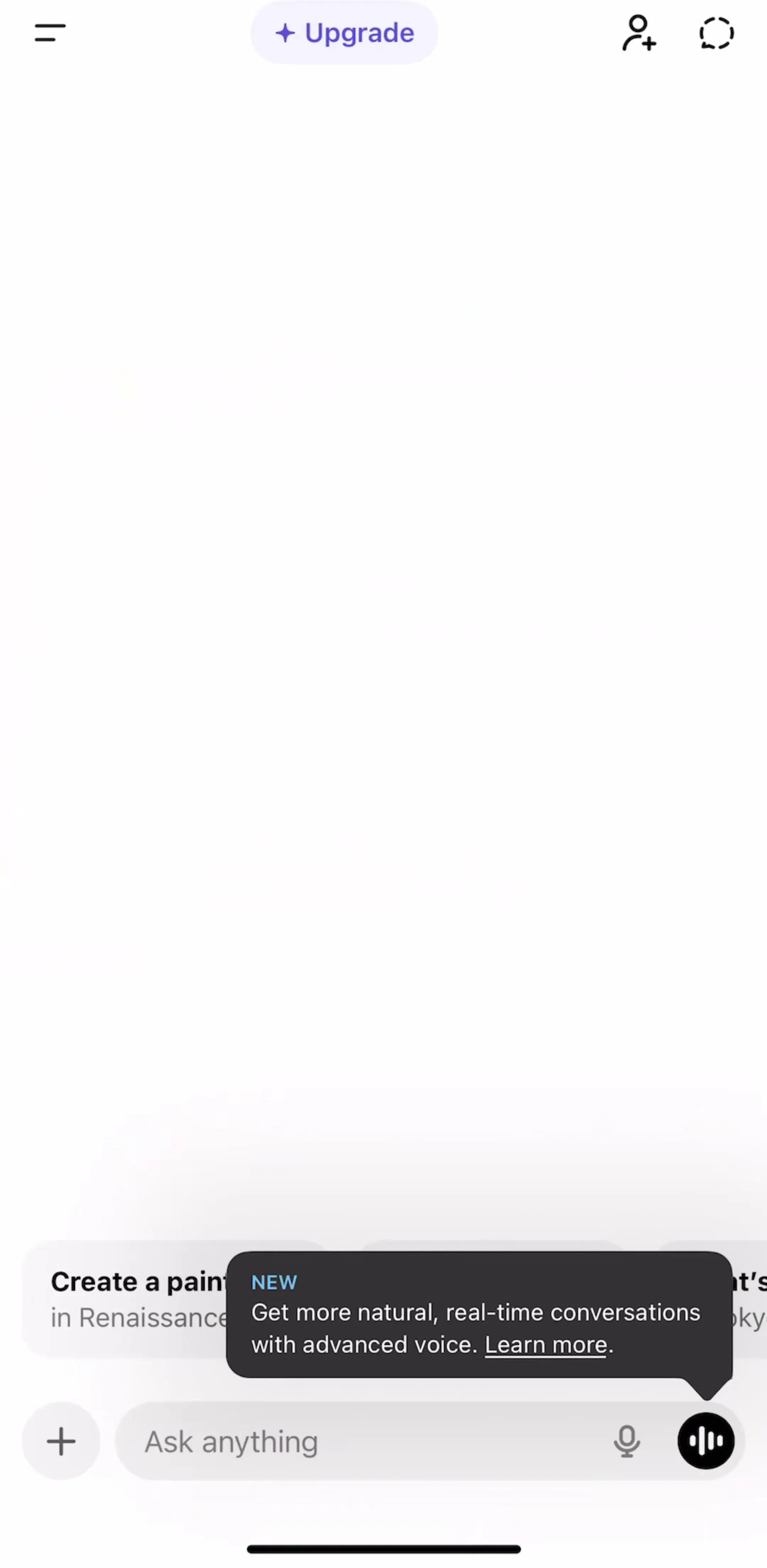
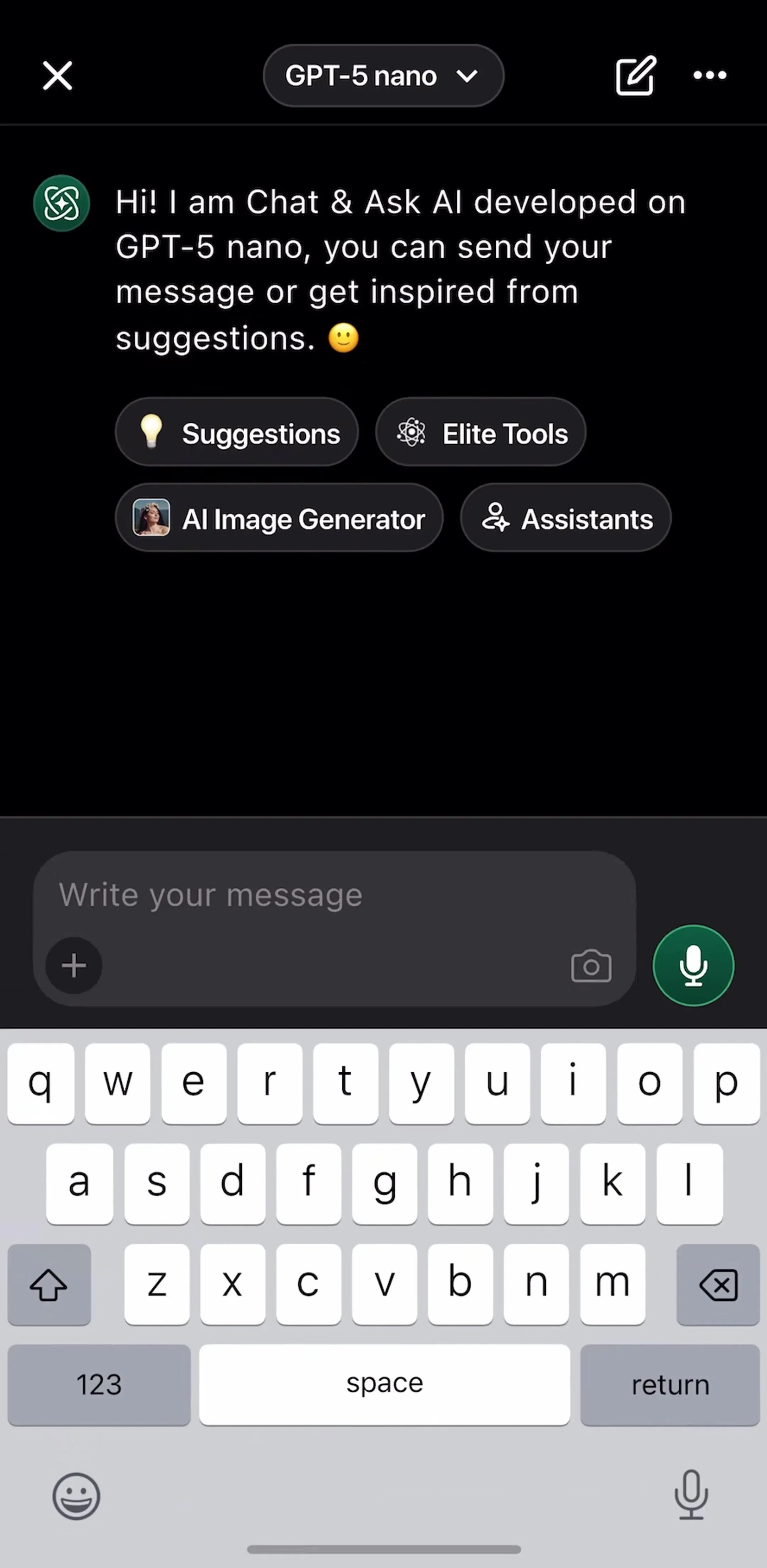
Claude (est. $59M/mo) uses the same two controls in the same order below Reply to Claude: a plus, a mic, and a circled waveform. Perplexity (est. $7M/mo) keeps only the mic in its Ask follow up field, with a separate pen icon for a new thread. Gemini pairs the mic with a camera. The smaller apps vary the colour but not the spot: Chat & Ask AI (est. $0.8M/mo) draws a filled green mic circle at the right of Write your message, Genie a black one, and ChatNow a grey mic beside a blue voice button.
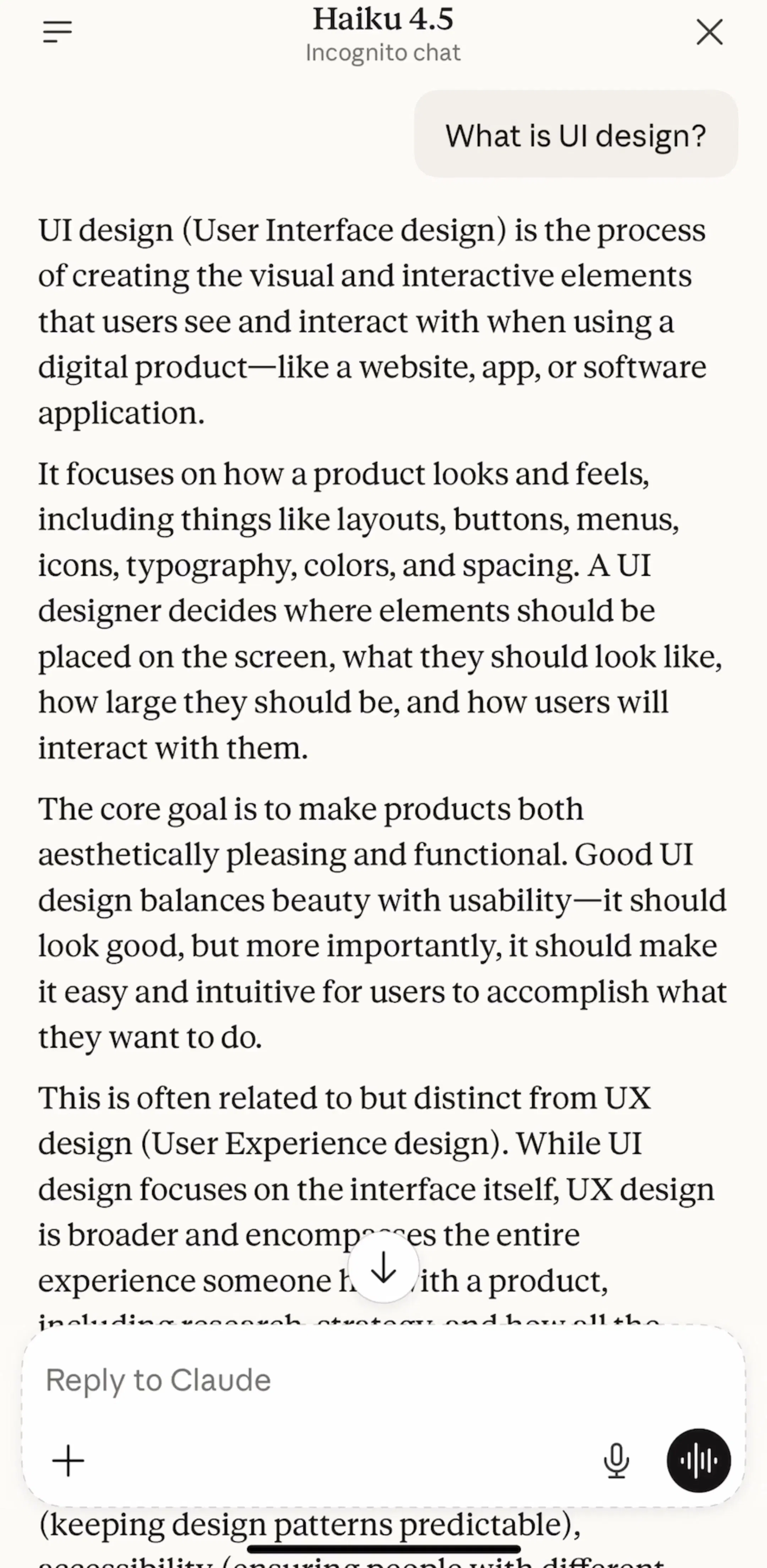
What none of them do is hide the mic behind the keyboard. iOS already puts a dictation key on the keyboard, and Chat Smith, the one chat app in the sample with no mic in its composer, is relying on that. The 13 others decided an app-drawn mic is worth the space, because it is visible before the keyboard comes up and it tells people the product expects to be spoken to.
Eight apps offer something beyond dictation, and they signal it three ways. ChatGPT, Claude and ChatNow (est. $0.6M/mo) put a filled circle next to the mic, waveform or sound-wave glyph inside. ChatBox and Nova put Voice Chat in the app's list of tools, as a tile or a bot, so voice is a mode you choose from the home screen rather than a button on every chat. Google Gemini (est. $0.8M/mo) names it Live and shows an explainer sheet the first time: tapping Live turns on the mic, tap Hold or End or say stop to finish, some features are not available in Live yet, chats are saved. It is the only app in the sample that explains the mode before starting it, and it reads like a permission primer for a feature rather than for a system dialog.
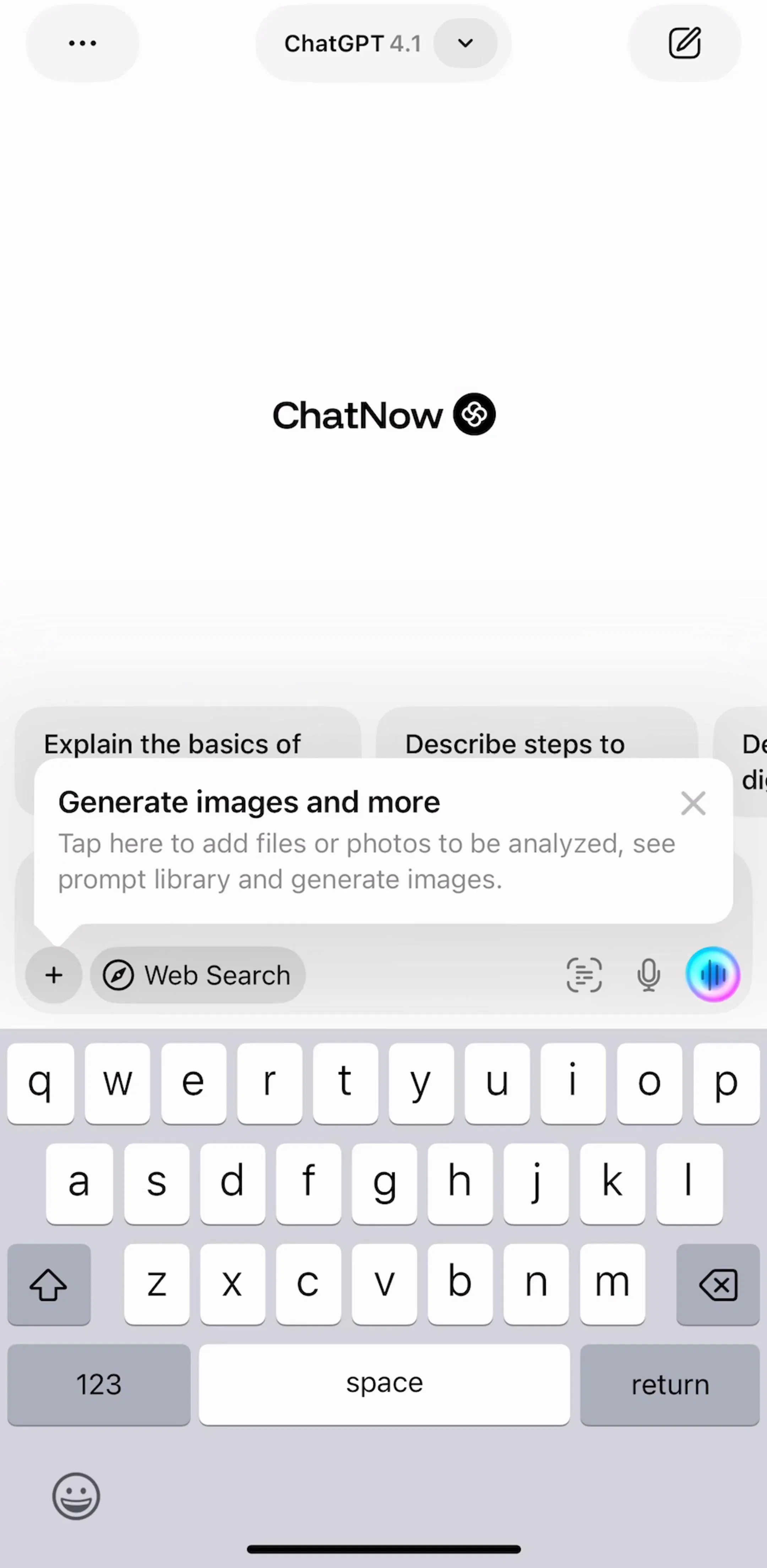
The lesson across all eight: the voice-mode control is heavier than the dictation mic. A filled shape, a colour, or a named tile. The dictation mic is a line icon. If both are line icons at the same size, as some smaller apps draw them, people tap the wrong one and end up talking to a text field.
Learna (est. $5M/mo) is the one app whose free screens include a complete voice conversation screen. A photoreal tutor avatar fills the top two thirds. Below it sits a large green microphone, with a red delete pill on the left and a chevron on the right, and on the chat variant a Type button and an Inspire button flank the mic. Lecture and Practice labels sit on the left edge, and a playback speed badge in the corner. The transcript appears as chat bubbles with a speaker and a translate icon on each line.
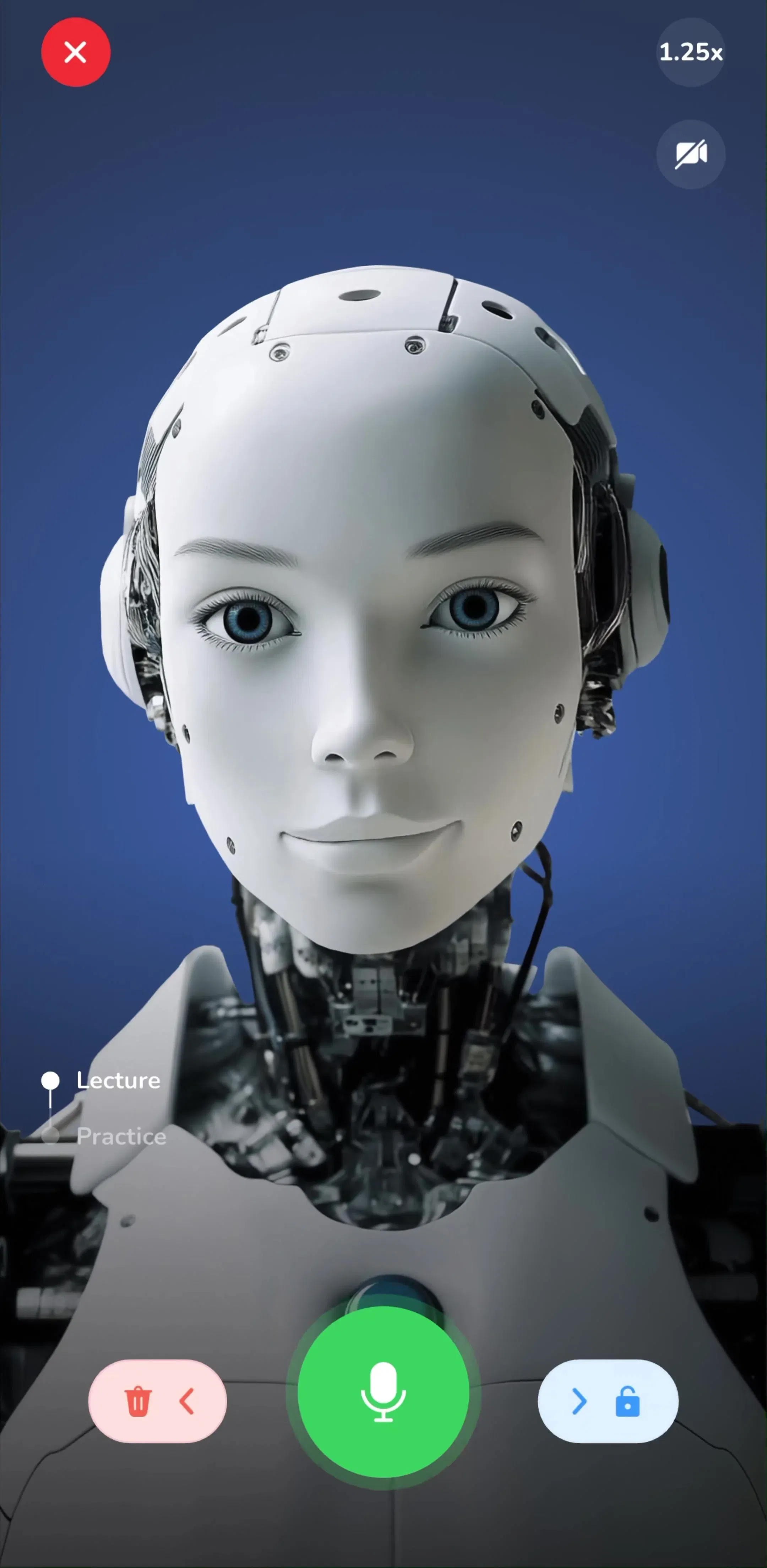
Everything a voice screen needs is on it: a thumb-zone mic that is clearly the main action, a way out, a fallback to typing, and a written record of what was said. Speak (est. $3.2M/mo) does a lighter version inside Free Talk, where each reply has a speaker icon, a mic sits at the left of the reply field, and Type your response is offered as the alternative. Both are language apps, which makes sense: speaking is the product, so the voice screen is the core screen, not a mode.
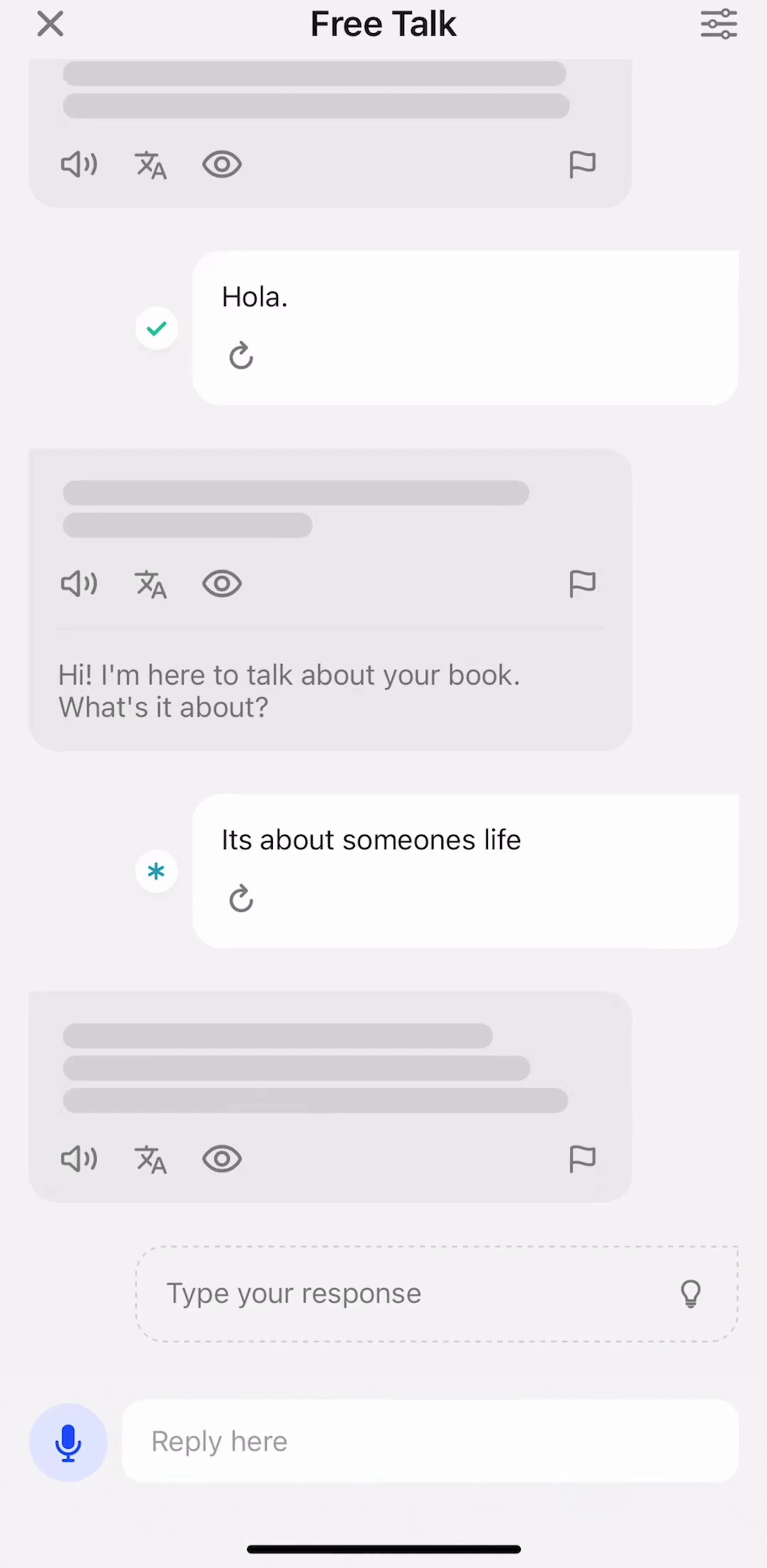
Voice runs the other way too. Speak, LangLearn and Gemini put a small speaker icon on assistant replies, so a person can hear a sentence without starting a voice session. In the language apps the speaker sits with a translate icon under every bubble. Gemini puts one speaker at the top of a long answer. It is a cheap feature that the general chat apps mostly skip, and it is the first thing a learner looks for.
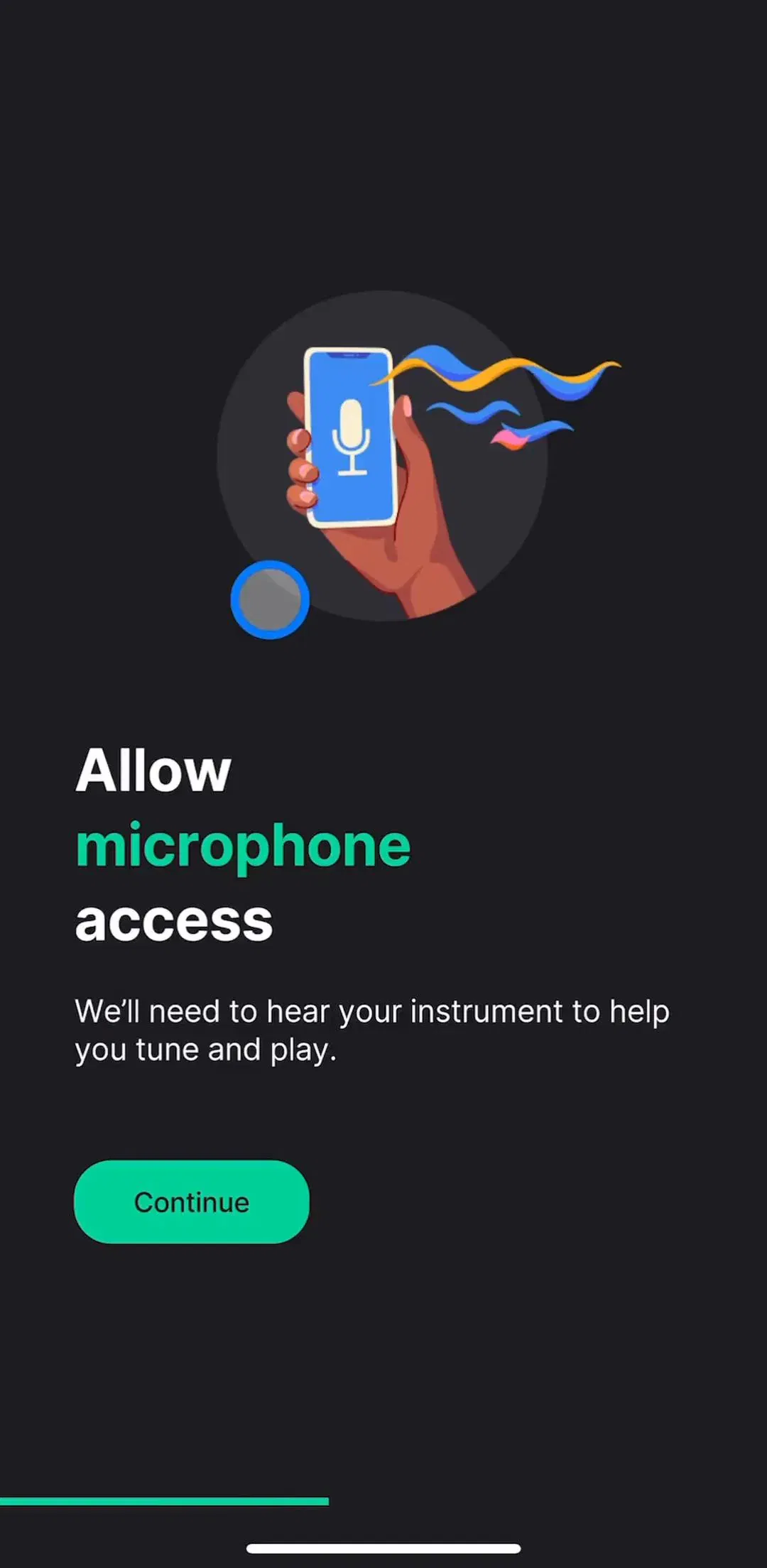
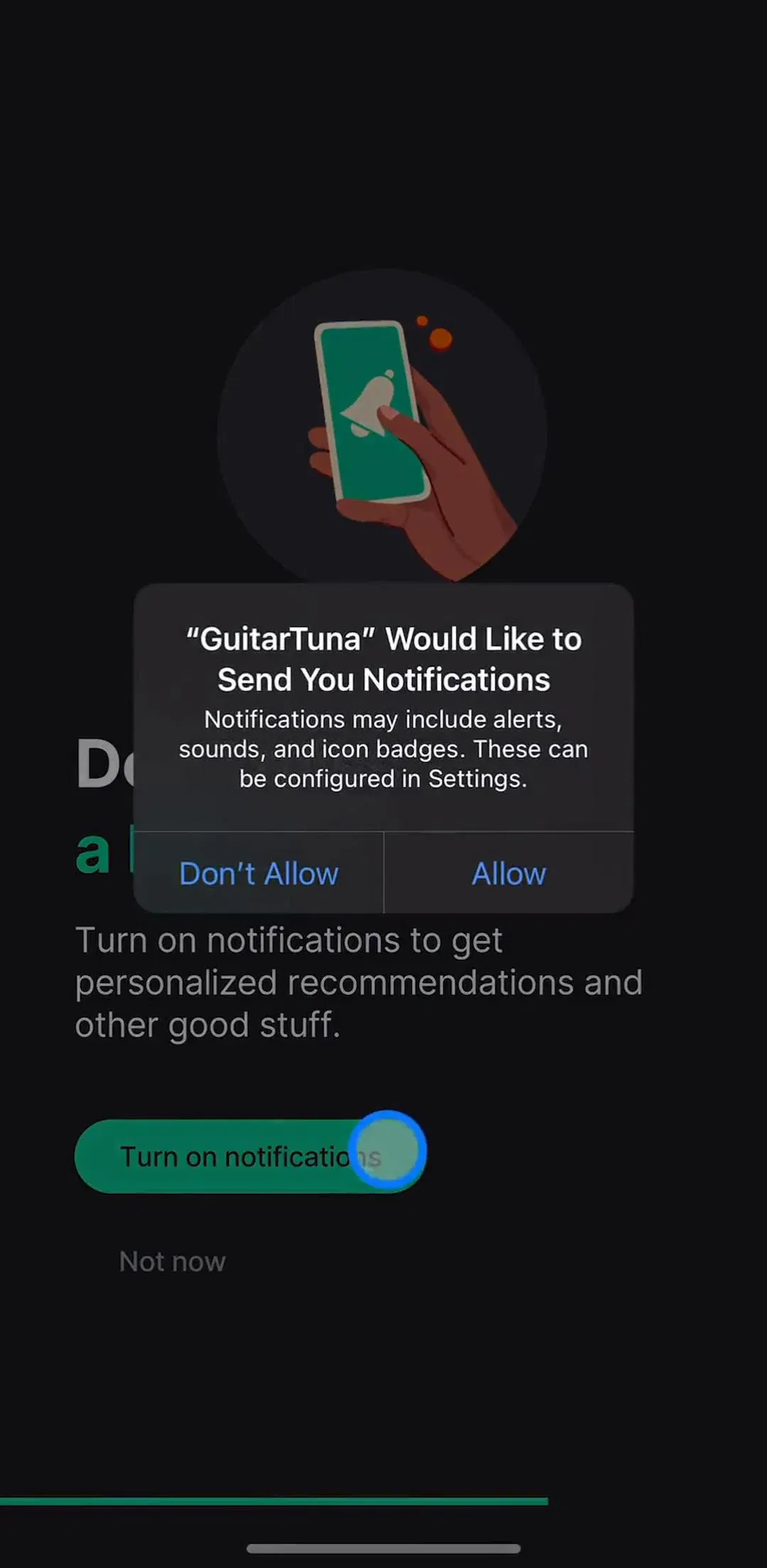
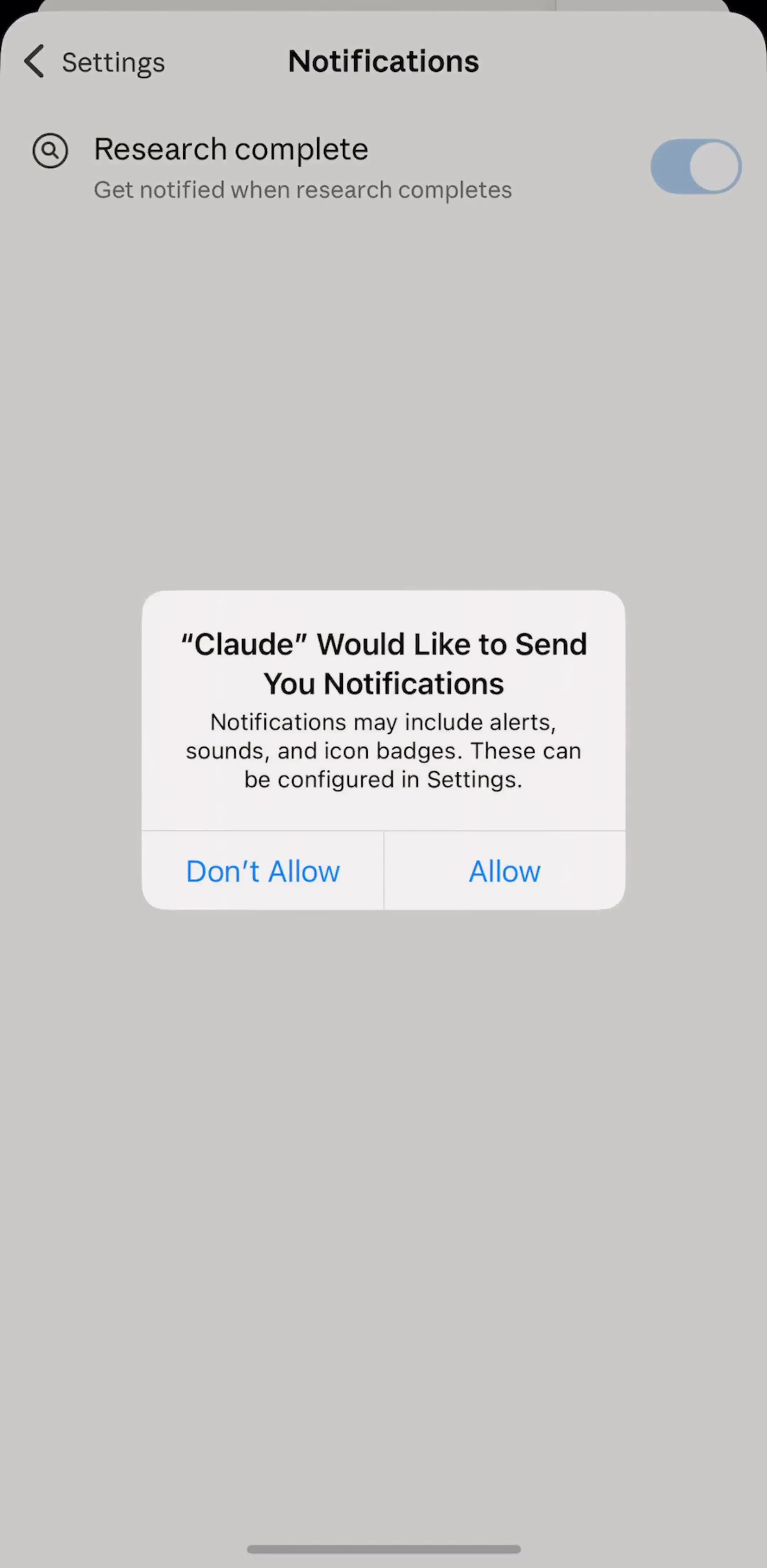
iOS handles the microphone permission dialog, so the apps spend their effort on what happens to the audio afterwards. ChatGPT's Data controls screen has a Voice mode section with two toggles, Include audio recordings and Include video recordings, under the general Improve the model switch, with a sentence explaining that transcripts are covered by the main switch. Claude has a Speech language setting in Settings. Speak has Voice Automatic Play, which decides whether replies read themselves aloud. Three apps, three different questions, all answered in settings rather than on the voice screen. Our permission priming post covers the screens apps show before the iOS dialog itself.
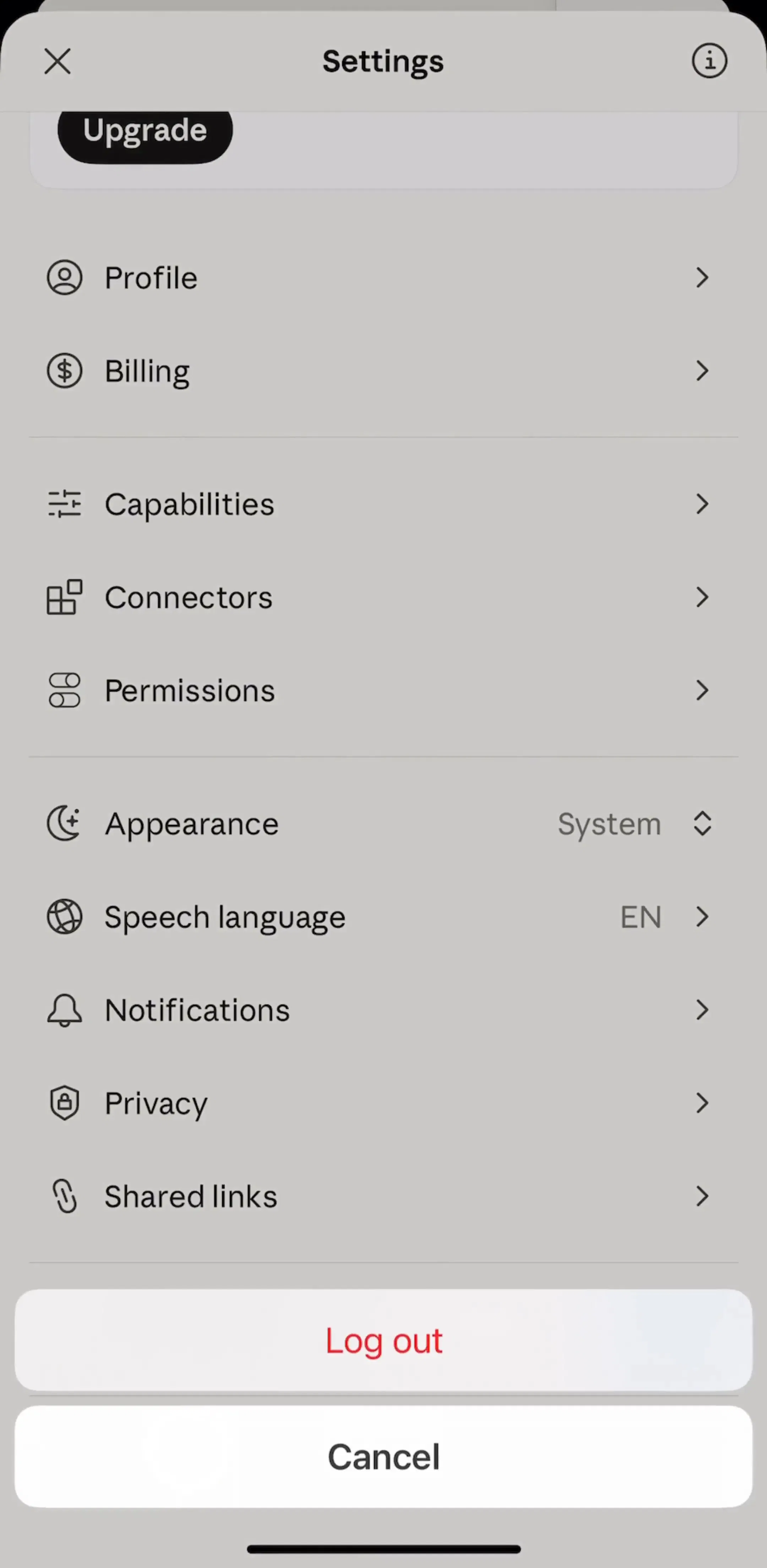
Every example above comes from the core experience flows and the profile and settings flows in the library.
A note on the numbers: the sample is every free preview screen of 15 AI chat, translation and language apps plus ChatGPT, Claude, Perplexity and Learna, 114 screens, the same screens any visitor sees without an account. A free preview is a handful of screens per app, not the whole app, so an app with no mic here may still have one deeper in its flows. Treat every screen described as a dated snapshot. Revenue figures are third-party monthly estimates from our library, useful for comparing magnitude, not audited financials.
Three layers. A microphone in the text composer that dictates into the field. A separate voice-mode button that starts a spoken back-and-forth, usually drawn as a waveform or a filled circle next to the mic. And a full voice screen that replaces the chat while you talk, with a large mic, a way to end the call, and a way to fall back to typing. Most apps in our sample ship the first, half ship the second, and only two show the third in their free screens.
Inside the field, at the right edge, is what ChatGPT, Claude, Perplexity, Gemini and most of the smaller apps do. It signals that the mic writes into the field. A voice-mode button that starts a conversation sits outside the field as its own control, so the two are not confused.
Dictation turns speech into text in the composer and you still press send. Voice mode is a live conversation: the assistant listens, answers aloud and keeps listening. ChatGPT draws them as two controls, a mic and a waveform; Gemini calls the second one Live and explains it on a sheet before it starts. Apps that offer only dictation should not call it voice mode.
A large microphone or listening indicator in the thumb zone, a visible way out, and a way to switch to typing. Learna's practice screen shows all three: a big green mic, an end button, and Type and Inspire buttons on either side. It also shows a transcript of what was said, which is what makes voice usable in a quiet room.
iOS asks for the microphone permission the first time the app records, so you do not have to build that dialog. What apps do add is a settings surface: ChatGPT puts Include audio recordings toggles under Data controls, Claude has a Speech language setting, and Speak has a Voice Automatic Play switch. Our permission priming post covers what to show before the system dialog.
The AI tools flows in the mobileappdesign library hold the chat composers, and the learning apps hold the full voice practice screens. Every app is captured screen by screen, so you can see the mic in the composer, the voice screen it opens, and the settings behind it, in sequence.
Browse captured AI tool flows from revenue-verified iOS apps, screen by screen, with estimated revenue next to every app.
Browse core experience flows